 RetireFlo Resources
← All tutorials
RetireFlo Resources
← All tutorials
HealthSherpa ACA + RetireFlo: Launch Training
The official launch training for the HealthSherpa ACA integration — including the one-click Quote button that turns a completed RetireFlo ACA survey into a ready-made HealthSherpa quote. Setup takes about five minutes; the steps are below.
The launch promo is BACK — today only
Use code HEALTHSHERPA40 (all caps) for 40% off the ACA Survey — $30/month instead of $50, and the discount stays locked in for as long as you keep it. Apply it via Add promo code in the Survey Marketplace (existing accounts: Account Settings → Payment Settings → discount codes). Expires tonight at midnight EST.
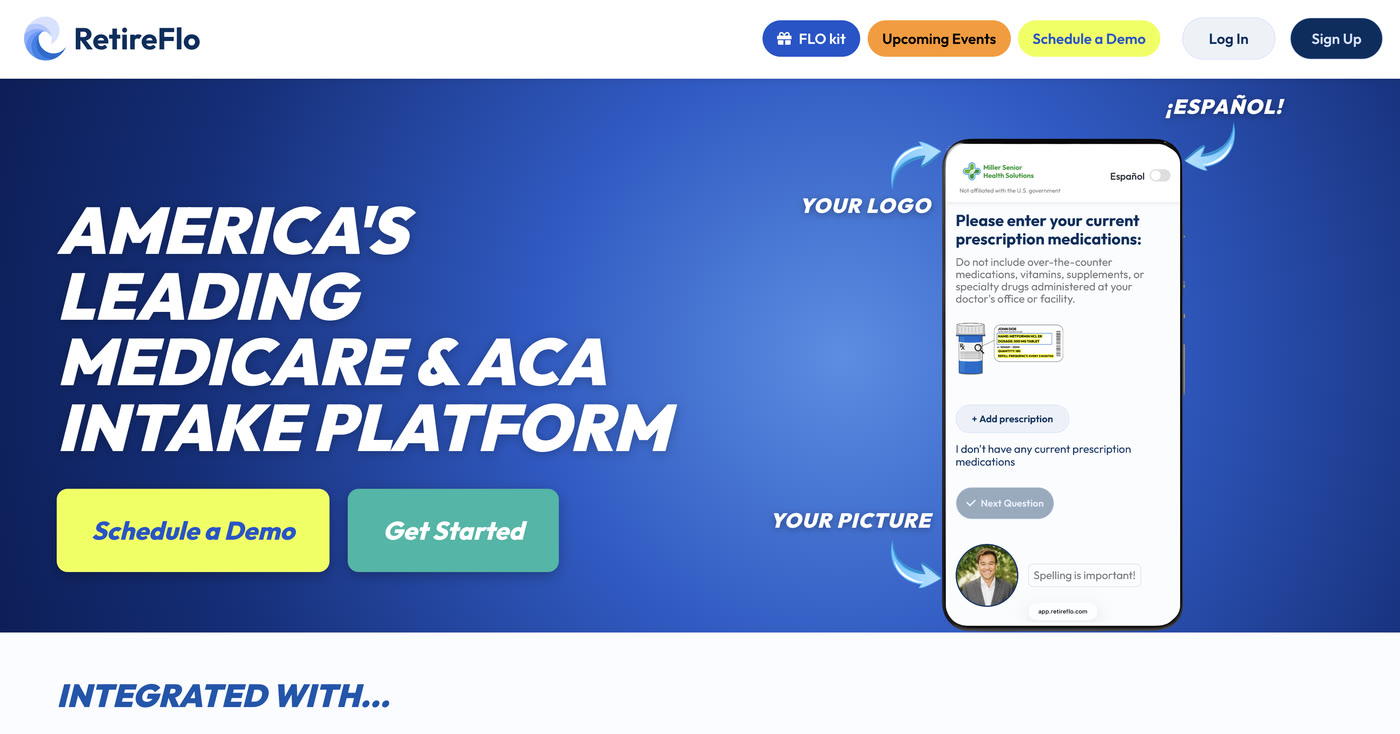
Log in at RetireFlo.com
Head to RetireFlo.com and log in to your RetireFlo agent dashboard — everything starts there.
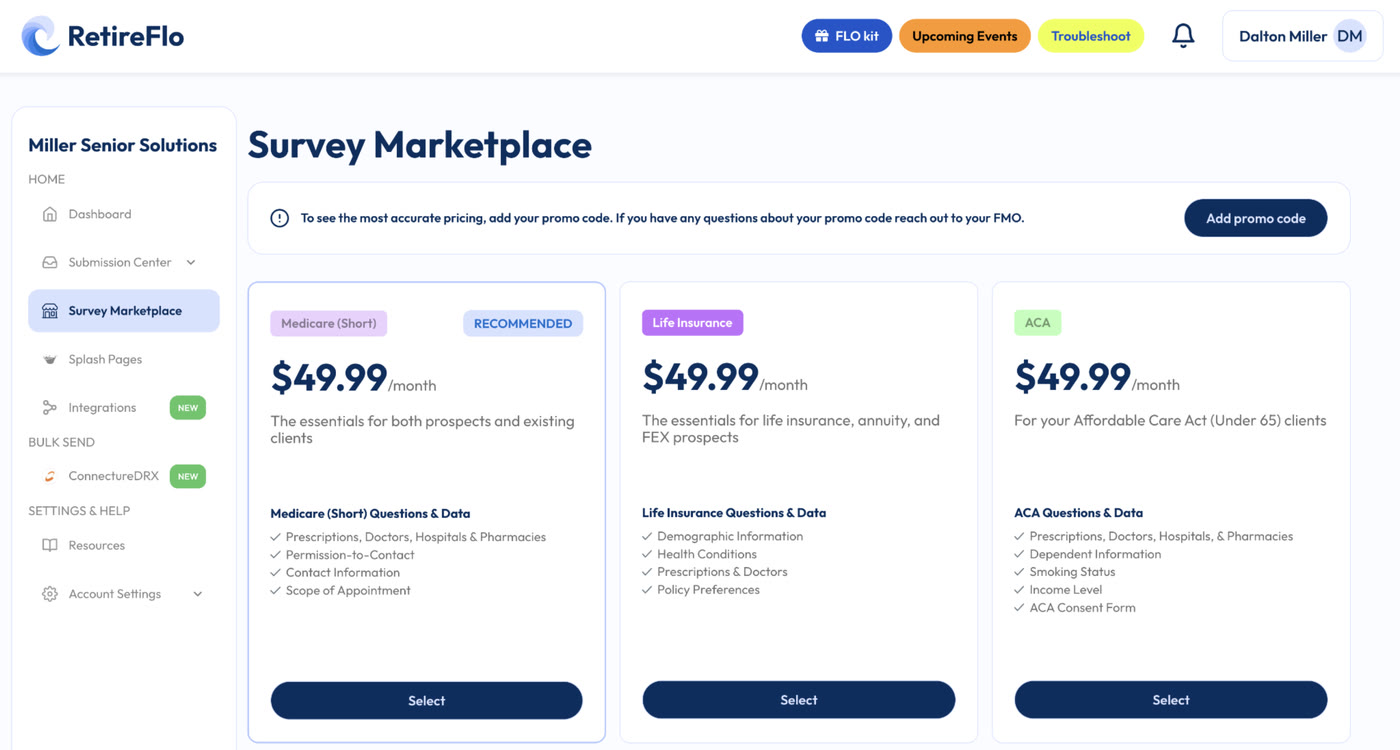
Open the Survey Marketplace
In the left-hand menu, click Survey Marketplace and find the ACA Survey.
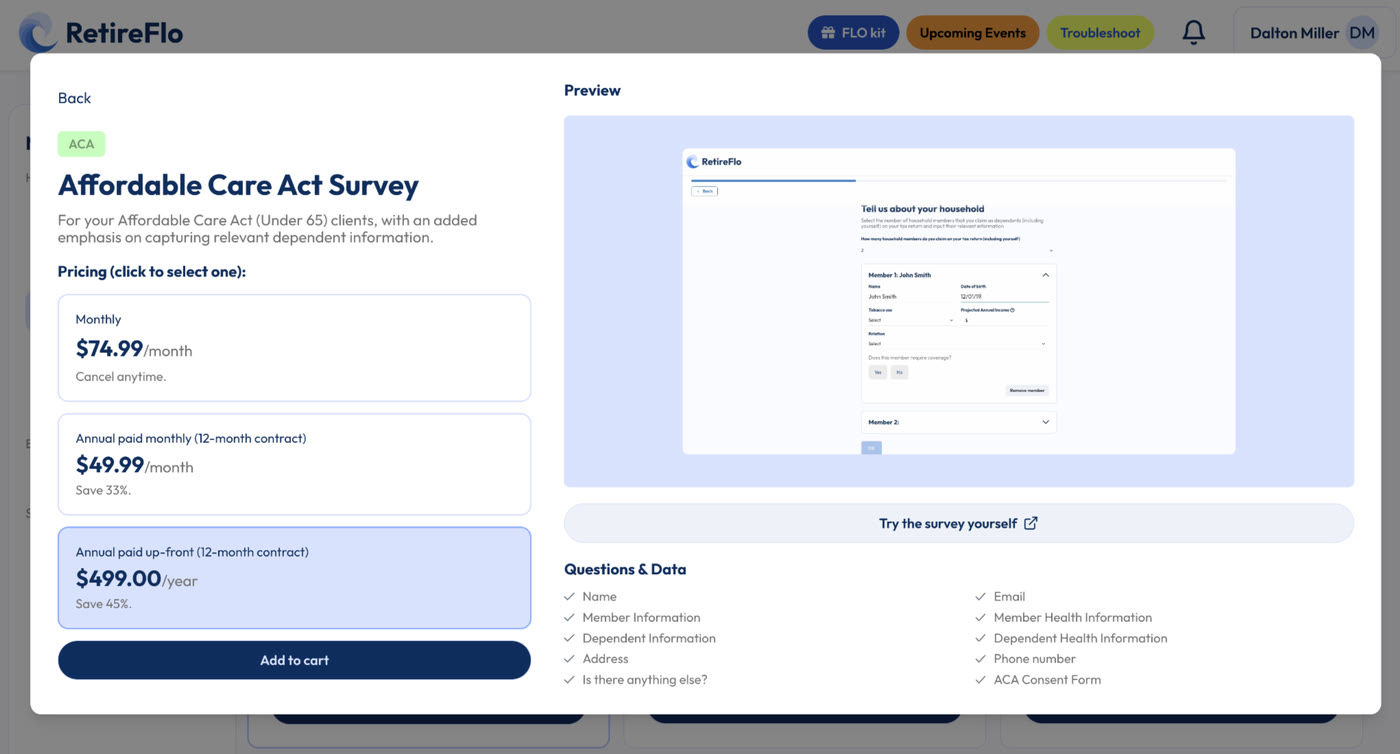
Purchase the ACA Survey
Select Monthly or Annually — whichever fits your business. Your ACA Survey is active immediately.
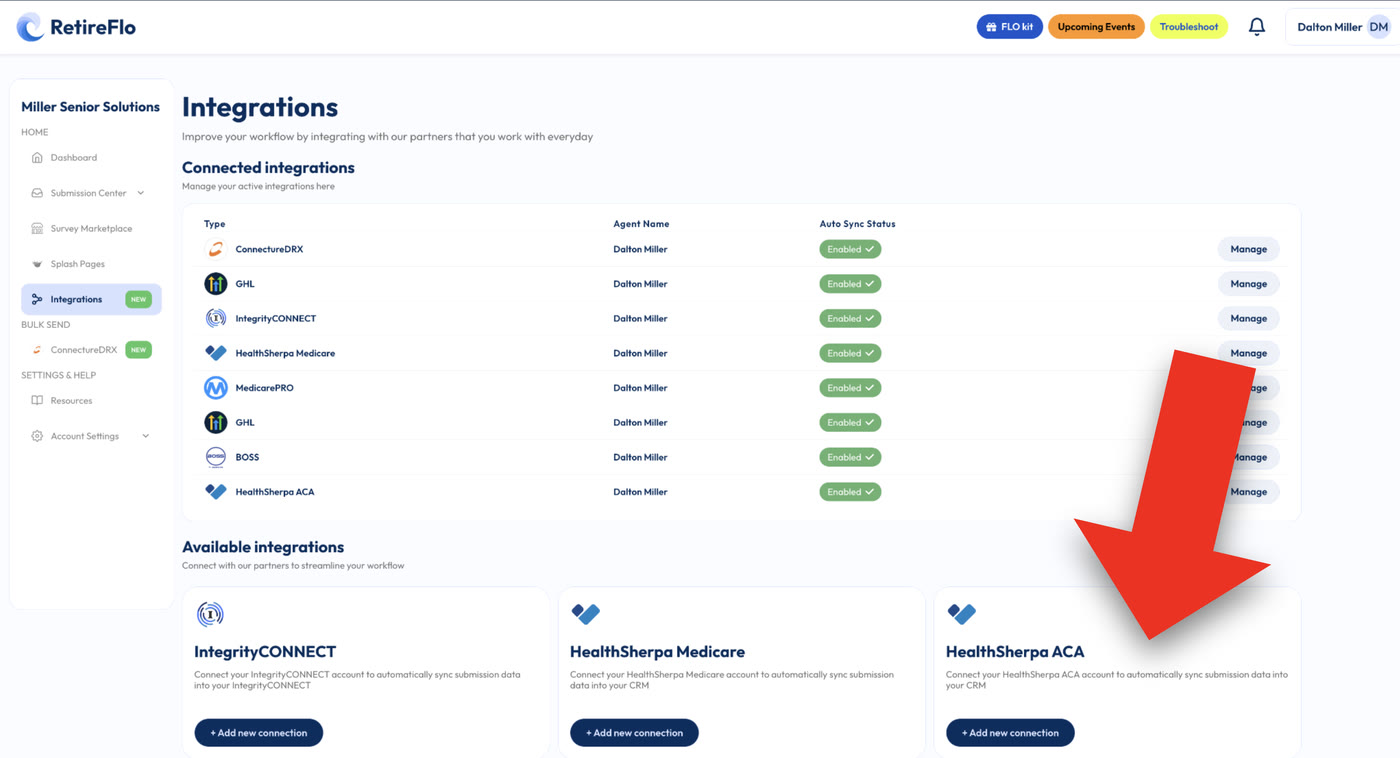
Integrate
Head to Integrations and connect HealthSherpa ACA — we'll ask you to enter your HealthSherpa username and password, and you're linked up. This step is the magic: don't skip it.
Send your survey, then press the Quote button
Once you're integrated, every completed ACA survey shows a one-click Quote button in your Submission Center. Press it and HealthSherpa opens a perfectly formatted quote — drugs, providers, smoking status, household income, and every dependent already filled in. Send the survey to a T65 client's under-65 spouse, to anyone who calls asking about ACA, or blast your whole ACA book before OEP and quote them all.
Good to know
- Where to find your data in HealthSherpa: transferred submissions land in the Leads portal, under the Intake tab — not the Clients section. From Intake you can go straight into a quote.
- What transfers: household & dependent information, drugs, doctors & hospitals, smoking status, and income level.
- The ACA consent form stays on RetireFlo: your client signs their portion as the last survey question; you sign the agent portion in your dashboard (takes five seconds, and you can change the writing agent's name). It's stored permanently and kept current with CMS regulations.
- Unlimited sends — one subscription covers as many clients and prospects as you can send it to.
- On a state-based exchange? The survey, mass data collection, and HealthSherpa quoting still work — the data just doesn't auto-deliver into state exchanges like Covered California (yet).
Still stuck?
Grab a time with the RetireFlo team and we'll walk through it with you — or ask the community, someone's always online.