AEP/OEP Templates New
Grab the FLO Kit — our just-released collection of ready-to-send AEP & OEP email templates. One click to copy, zero writing required.
Tutorials & Articles
How to Sign Up for RetireFlo Integrated with ConnectureDRX
Sign up for RetireFlo right inside your Connecture account — six quick steps.
How to Sign Up for RetireFlo Integrated with HealthSherpa
Account, ACA survey, HealthSherpa connection, and the one-click Quote button.
How to Send RetireFlo
The complete guide to sending RetireFlo to your clients — the heart of the whole system.
How to Sign Up for RetireFlo Integrated with IntegrityCONNECT
Account, survey, the IntegrityCONNECT connection, and your first synced client.
How to Sign Up for RetireFlo Integrated with SunFire
Account, survey, the CRM Connect token, and your first client flowing into SunFire.
How to Sign Up for RetireFlo Integrated with HealthSherpa for Medicare
Account, the Medicare survey, and the HealthSherpa Medicare auto-sync connection.
How to Buy the RetireFlo Life Insurance Survey
The essentials for life, annuity, and FEX prospects — added to your account in minutes.
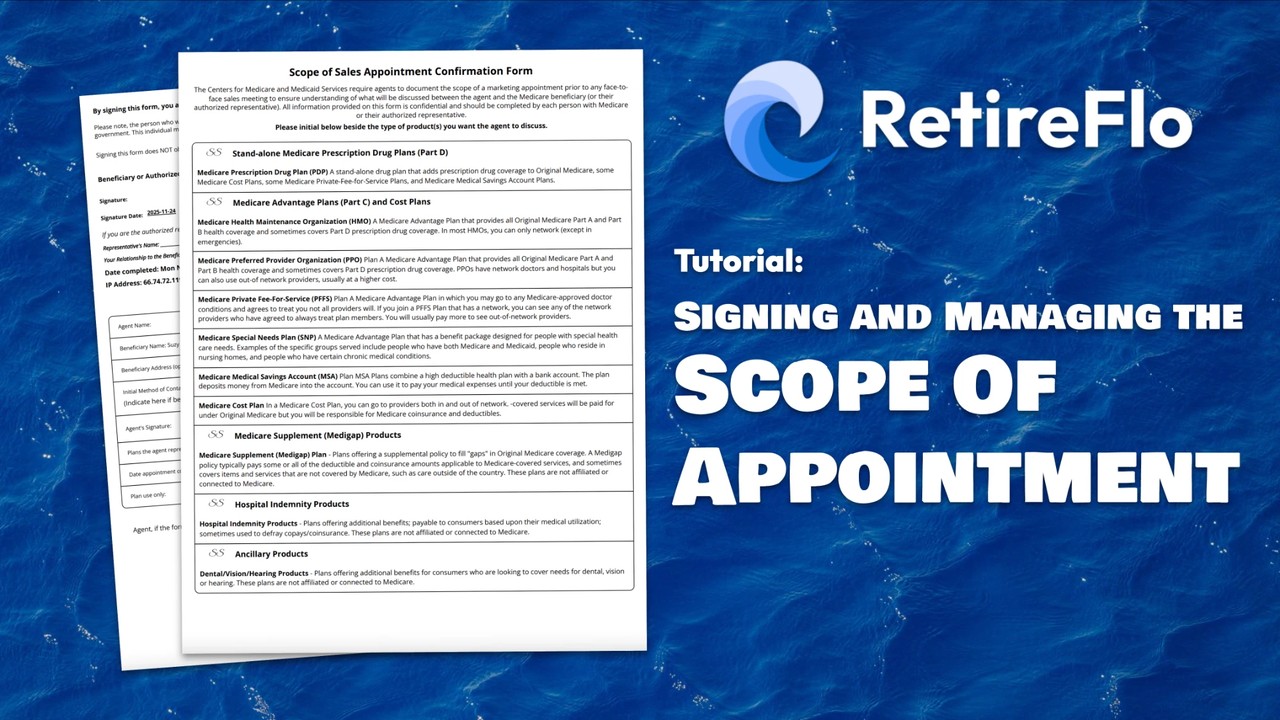
Signing and Managing the Scope of Appointment
Your client signs in the survey, you sign in the Submission Center — and it's stored right there.
How to Buy the Scope Only Survey
Just the Scope of Appointment — signed from one link, stored before every meeting.
How to Buy the Solo ACA Consent Form Survey
Just the CMS-required ACA consent — signed by your client from a single link.
How to Sign Up for RetireFlo Integrated with AgencyBloc
Account, survey, the AgencyBloc connection, and your first synced client.

Why RetireFlo Is Different
Most intake forms collect information. RetireFlo moves it. By Miles Miller.

To Shop, or Not to Shop: The PDP Question Every Agent Must Answer Before AEP
Shop them or don't — but decide now, tell your clients, and hold the line. By Dalton Miller.
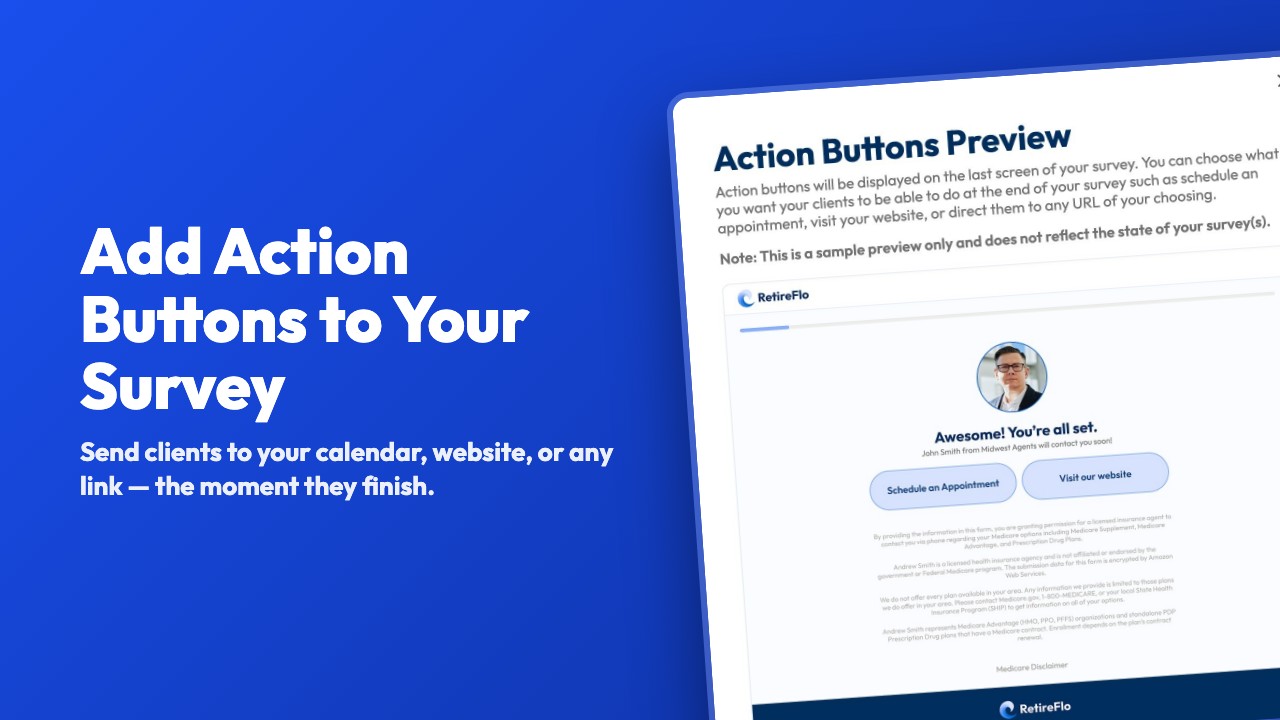
Adding Action Buttons to Your Survey
Put your Calendly, website, or any link on the survey's last screen — book the call while they're warm.
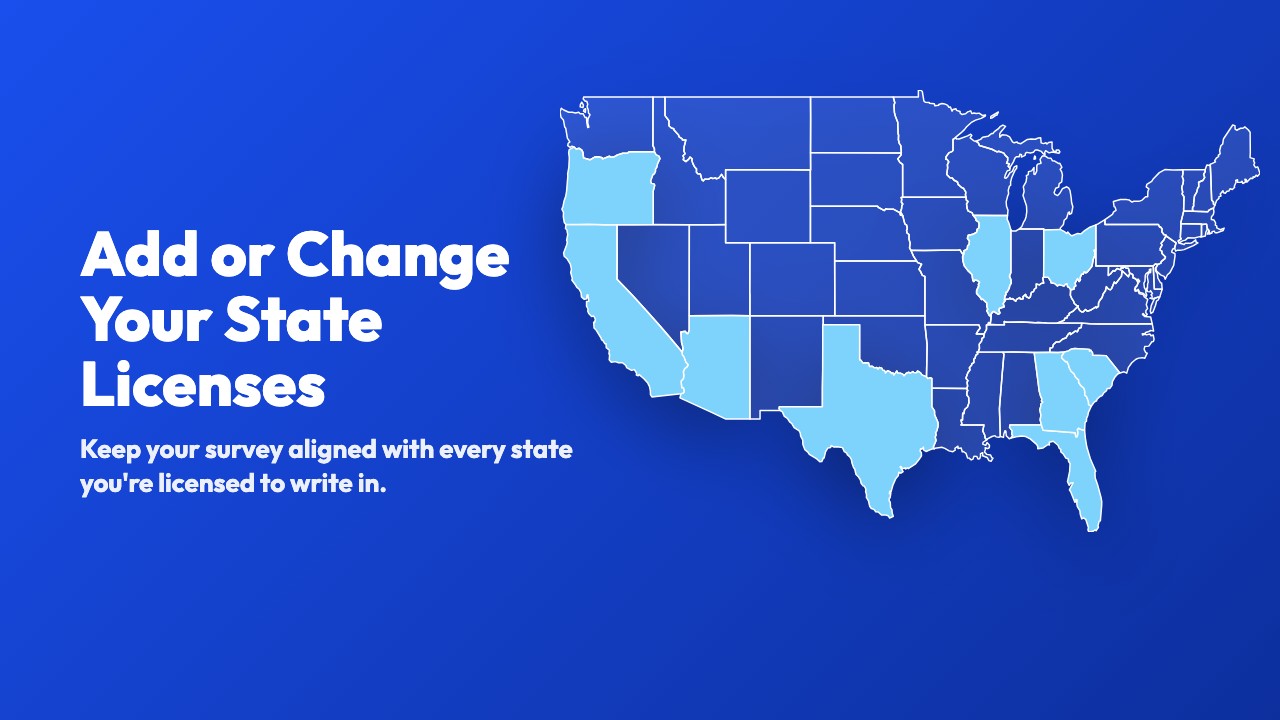
Adding or Changing Your State Licenses
Newly appointed somewhere? Add or remove licensed states on your survey in under a minute.
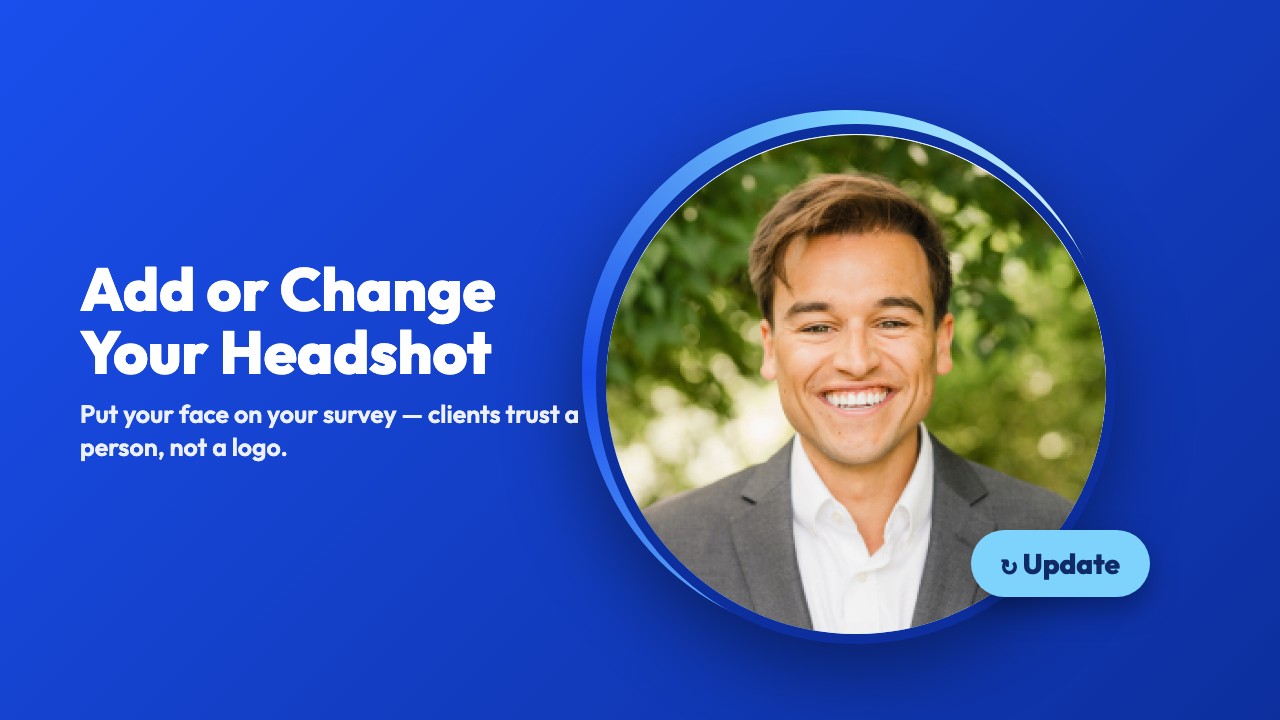
Adding or Changing Your Headshot
Put your face on your survey — clients trust a person, not a form.
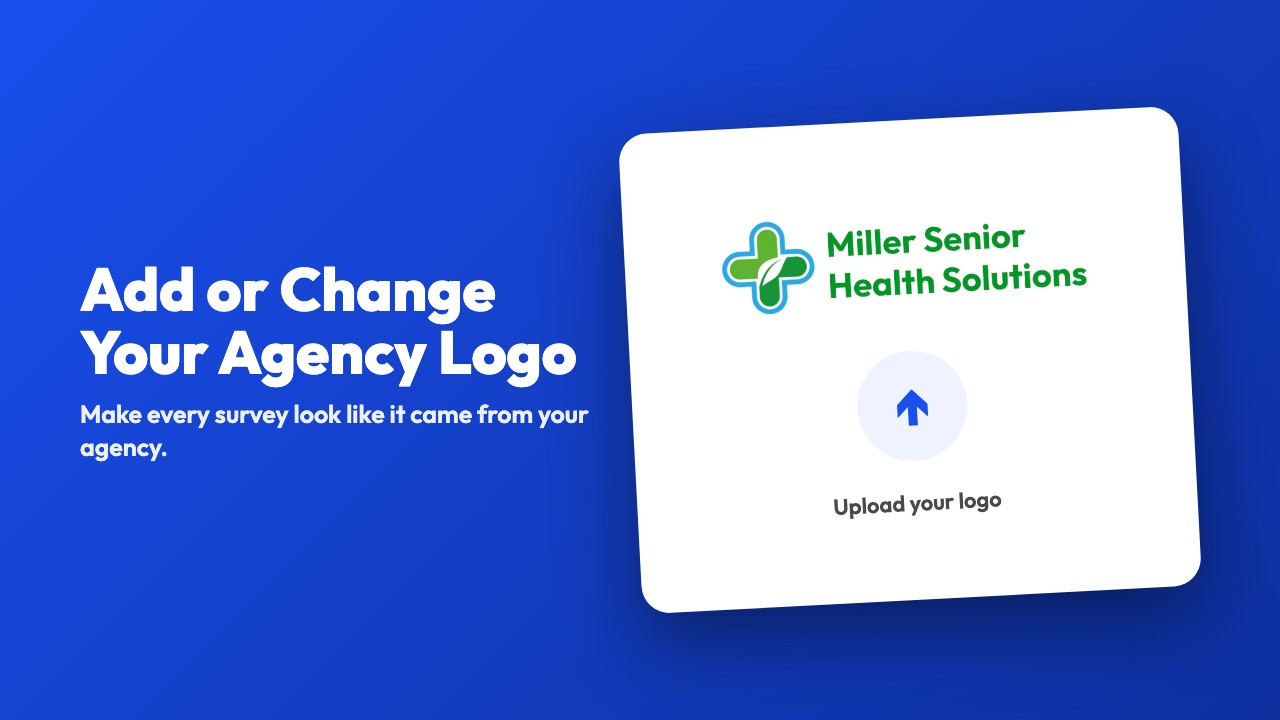
Adding or Changing Your Agency Logo
Make every survey look like it came from your agency.
Getting Email Notifications When a Survey Is Completed
Get an email the moment a client finishes — and loop in a teammate too.
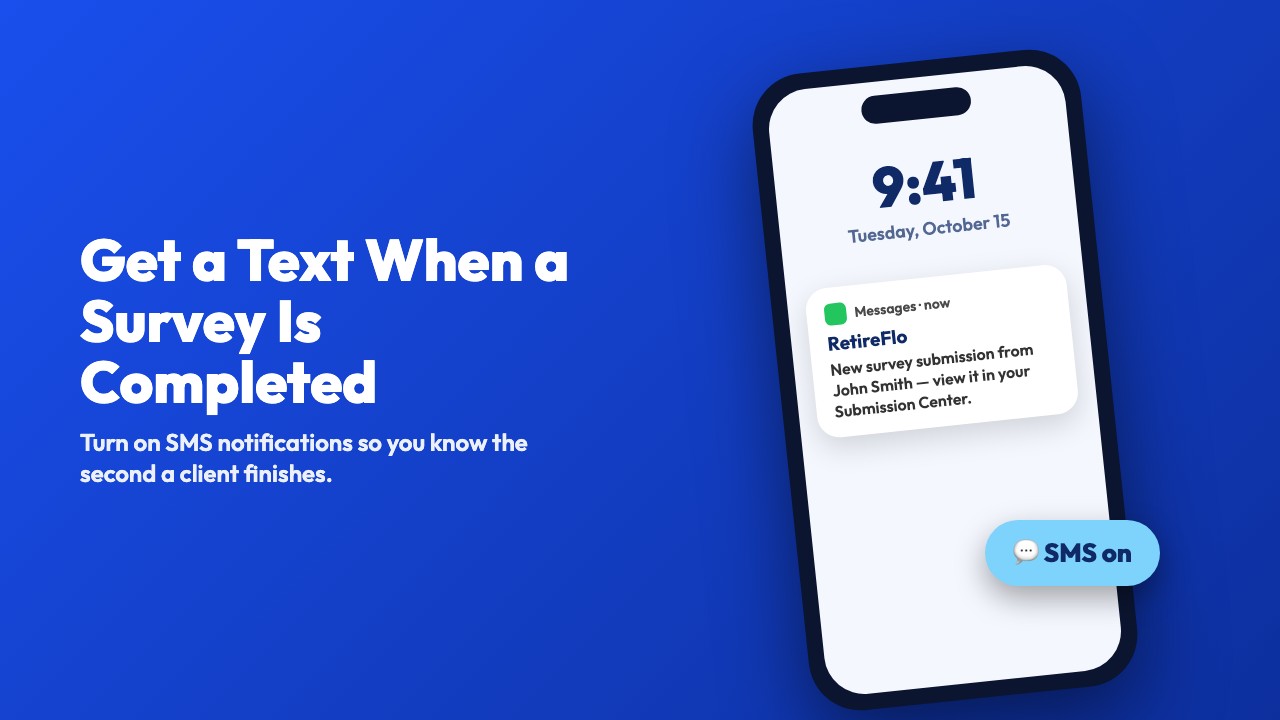
Getting Text Notifications When a Survey Is Completed
Turn on SMS alerts so your phone buzzes the second a client finishes.
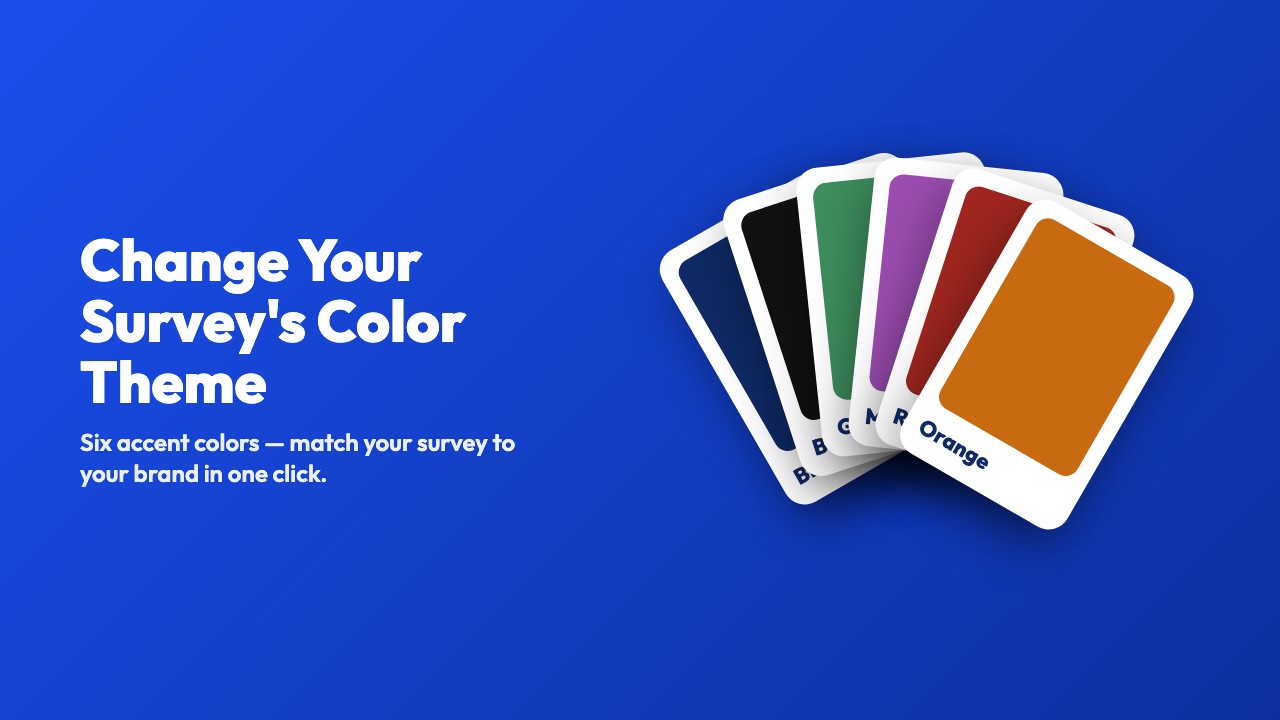
Changing Your Survey's Color Theme
Six accent colors — match your survey to your brand in one click.
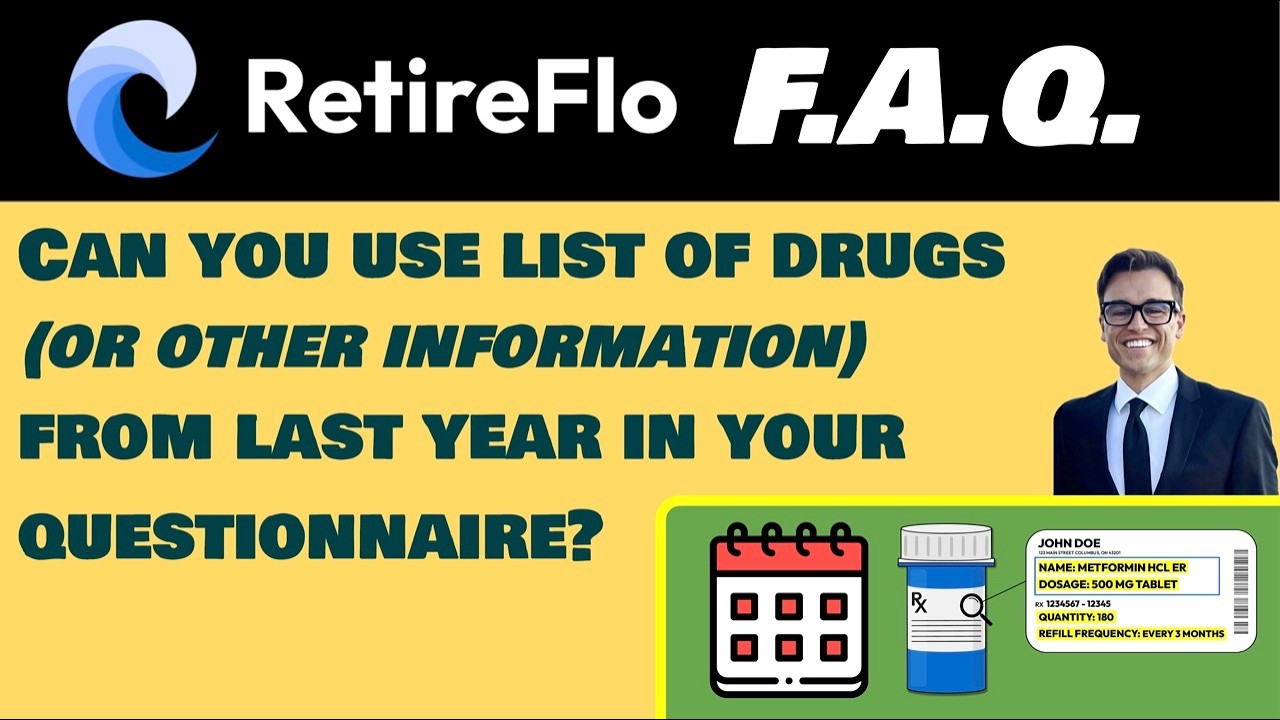
Can I Reuse Last Year's Drug List?
Short answer: no — and it's by design. Why fresh data wins every time.
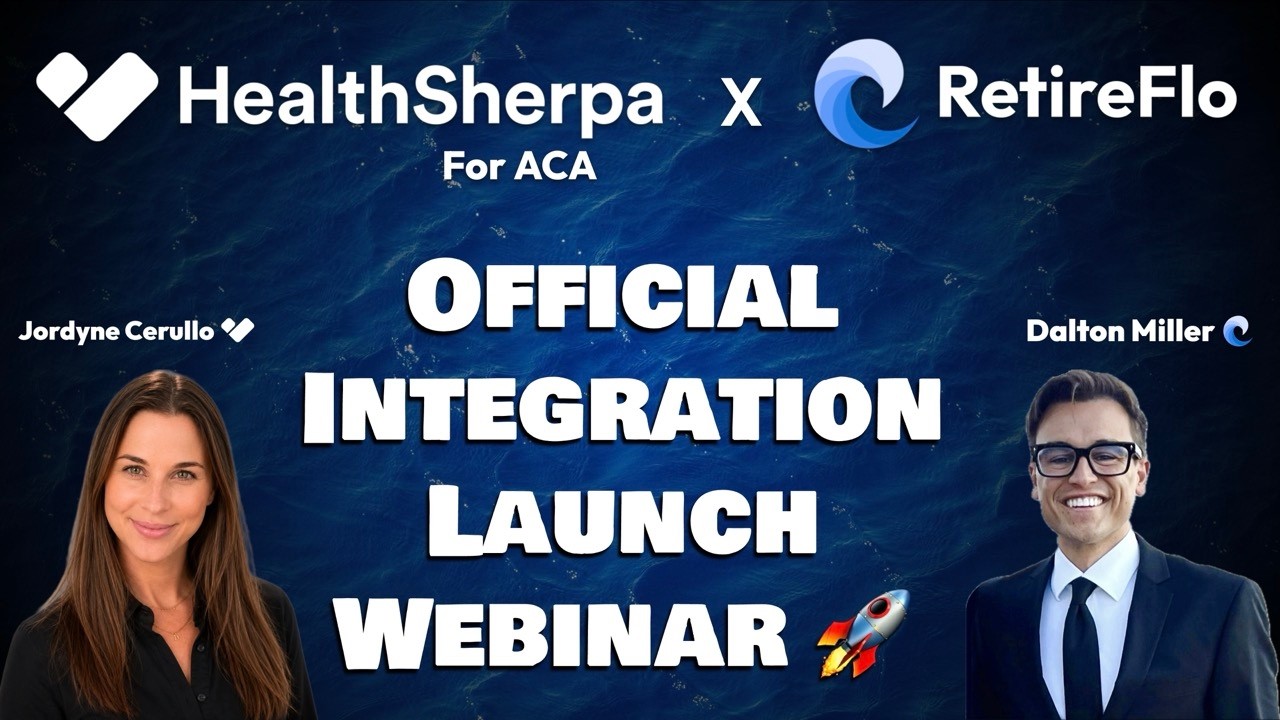
HealthSherpa ACA + RetireFlo: Launch Training
The official launch training for our newest integration — ACA business, accelerated.

Integrating RetireFlo & IntegrityCONNECT
Connect IntegrityCONNECT and stop double-entering client data.
Integrating GoHighLevel (GHL) with RetireFlo
DFY, GoGuru, AgentCRM, Seven Figure CRM & every other GHL platform — set up from the App Marketplace.
How to Sign Up for RetireFlo
New to RetireFlo? Go from zero to a fully set-up account.
Inviting Users & Creating an Agency Account
Bring your team on board — add users and set up your agency.
How to Reach Someone at RetireFlo
The fastest ways to get a real human when you need help.
Managing Your RetireFlo Subscription
Update your plan, billing details, and subscription settings.
Exporting Your RetireFlo Data to Any CRM
Get your client data out of RetireFlo and into the CRM you already use.
Integrating MedicarePRO & RetireFlo
A quick connect — under four minutes, start to finish.
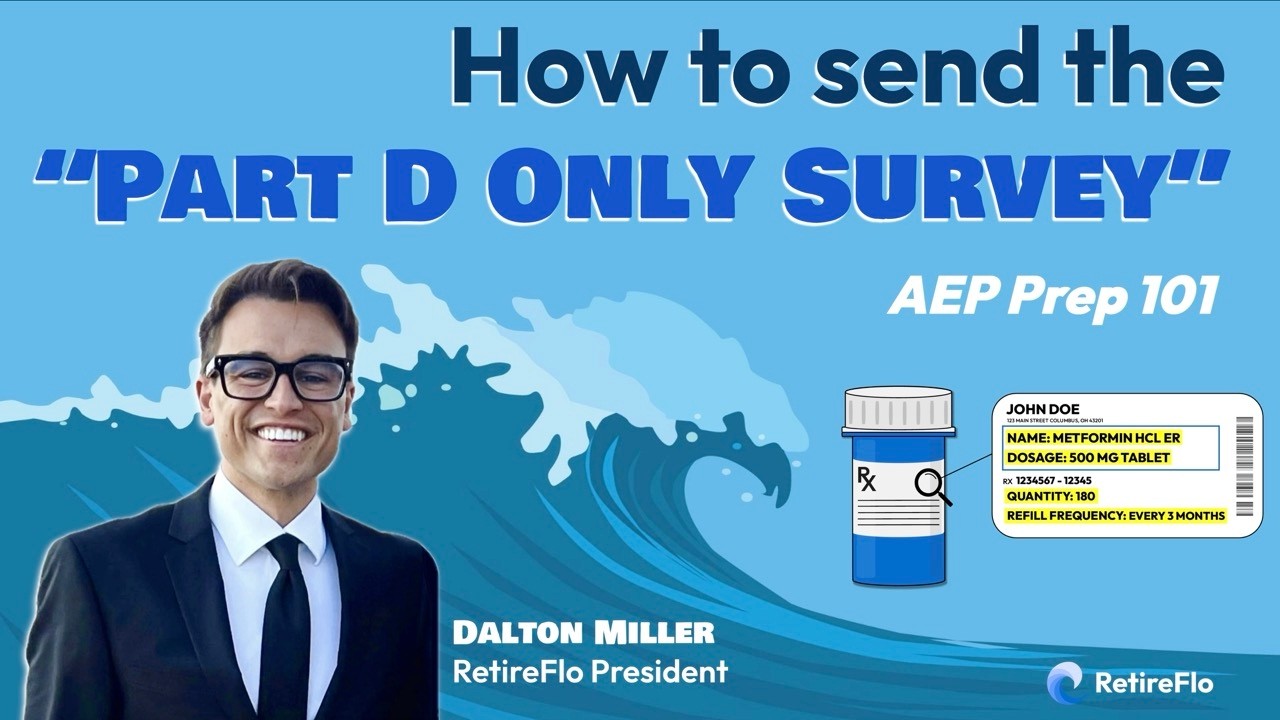
Using the “Part D Only” Function
Quote drug-only coverage for clients who just need Part D.

Making Your Free Splash Page
Build your personal splash page and start collecting client submissions.
An Insurance Agent's Guide to QR Codes
Put QR codes to work at events, on business cards, and in mailers.
Integrating CORE CRM with RetireFlo
Hook CORE up to RetireFlo in just a few minutes.
Integrating Compass CRM with RetireFlo
Connect Compass so your submissions flow straight into your pipeline.
Integrating BOSS CRM with RetireFlo
Link BOSS to RetireFlo and keep every client record in sync.
FAQs
What's the fastest way to get help?
- Book a 1-on-1 at RetireFlo.com/Troubleshoot — we'll screen-share and fix it together.
- Post in RetireFlo Island, our Facebook group — other agents (and our team) are in there daily.
Want the full rundown? Watch How to Reach Someone at RetireFlo.
How do I sign up for RetireFlo through ConnectureDRX?
Right from your Connecture account: click your name (top right) → Account Overview → Sign up in the RetireFlo box, then follow the prompts. The whole thing takes about five minutes — here's the step-by-step guide. Already a RetireFlo user? Choose Log in during signup to link your existing account.
How do I sign up for RetireFlo's ACA survey with HealthSherpa?
Create (or log in to) your RetireFlo account, buy the ACA survey in the Survey Marketplace, then connect HealthSherpa ACA under Integrations with your HealthSherpa username and password. From then on every completed survey gets a one-click Quote button — here's the step-by-step guide.
How do I sign up for RetireFlo with IntegrityCONNECT?
Create (or log in to) your RetireFlo account, buy your survey in the Survey Marketplace, then go to Integrations → IntegrityCONNECT → Add new connection, enter your name and NPN, and pick the surveys to sync. Every completed survey then lands at the top of your IntegrityCONNECT clients page — here's the step-by-step guide.
How do I connect RetireFlo to HealthSherpa for Medicare?
Create (or log in to) your RetireFlo account, buy the Medicare (Short) survey, then go to Integrations → HealthSherpa Medicare → Add new connection and enter your HealthSherpa username and password. Completed surveys then sync automatically — here's the step-by-step guide.
Does RetireFlo have a survey for life insurance?
Yes — the Life Insurance survey collects the essentials for life, annuity, and FEX prospects: demographic information, health conditions, prescriptions & doctors, and policy preferences. Grab it in the Survey Marketplace — here's how to buy it.
Where is the signed Scope of Appointment stored?
With the submission, in your Submission Center. Your client signs their portion inside the survey; if your signature is still needed, the row shows a Sign button — and View / Download pulls the full record with the signed scope any time. Here's the full walkthrough.
Can I collect just a signed Scope of Appointment?
Yes — the SOA Only survey collects exactly that: your client signs the scope from one link, no other questions asked. It's an add-on available alongside any Full Intake Survey (Medicare, ACA, or Life) or our ConnectureDRX platform — here's how to buy it.
Can I collect just the ACA Consent Form?
Yes — the ACA Consent Form survey collects only the CMS-required consent: your client signs their portion from one link, and you sign the agent portion in your dashboard. It's an add-on available alongside any Full Intake Survey (Medicare, ACA, or Life) or our ConnectureDRX platform — here's how to buy it.
How do I connect RetireFlo to AgencyBloc?
Go to Integrations → AgencyBloc → Add new connection, press Connect to AgencyBloc, log in on the AgencyBloc side, and choose which surveys to sync. Every completed survey then lands in your AgencyBloc automatically — here's the step-by-step guide.
How can I send RetireFlo to my client or prospect?
Copy your personal survey link from your dashboard and share it anywhere your clients are — text, email, your website, social media, even a QR code on a business card. The How to Send RetireFlo tutorial is the complete guide, including templates and bulk-send options.
Can I add my Calendly (or any link) to the end of my survey?
Yes — that's what Action Buttons are for. Open your survey with Manage, scroll to the Action Buttons section, give the button a label and paste your link, and save. Your client sees it on the final screen and can book a call right then. Works with any URL: calendars, your website, videos, review pages. Step-by-step guide here.
How do I add a new state I'm licensed in?
Open your survey with Manage, find State Licenses near the top, click in the field and start typing the state's name, click it when it appears, then Save changes. To remove a state, click the × on its chip. Step-by-step guide here.
How do I change my headshot, logo, or survey colors?
All of it lives behind the Manage button next to your survey. Headshot and logo are at the top (click Update and pick a file), the accent color is under Survey Appearance, and you finish with Save changes. Guides: headshot · logo · color theme.
How do I get a text or email when someone completes my survey?
What CRMs does RetireFlo integrate with?
RetireFlo integrates directly with IntegrityCONNECT, AgencyBloc, MedicarePro, and every GoHighLevel-based platform — including Done For You (DFY), GoGuru, AgentCRM, Seven Figure CRM, and any other CRM built on GHL (GHL setup guide here). Check the Integrations tab above for setup walkthroughs.
On the ACA side, RetireFlo also connects with HealthSherpa — see the launch training.
Using something else? You're still covered — export your data to CSV or Excel and upload it into any CRM on the planet.
Can my survey go out pre-filled with last year's info?
No — every RetireFlo survey starts fresh, by design. Pre-filling would compromise data security (HIPAA / SOC 2 Type II), and tests showed clients rubber-stamp stale drug lists instead of updating them. The survey is only ~10 questions, so a fresh snapshot is quick — and it's what makes your plan reviews accurate. Full explanation here.
How can I get a receipt for my RetireFlo bill?
Log in at retireflo.com, then open Account Settings → Payment Settings at the bottom of the left sidebar. Every invoice you've ever had is listed there — grab a copy any time you need one for reimbursement. The subscription tutorial shows the whole flow, and for anything billing-related you can't untangle, hit Troubleshoot to meet with a real person.

Wipeout — no matches. Try a different word, or book a time with us and we'll point you the right way.
Can't find what you need?
Grab a time with the RetireFlo team and we'll walk through it with you — or ask the community, someone's always online.