 RetireFlo Resources
← All tutorials
RetireFlo Resources
← All tutorials
Managing Your RetireFlo Subscription
Update your plan, billing details, and subscription settings — all in a few clicks.
Log in at retireflo.com
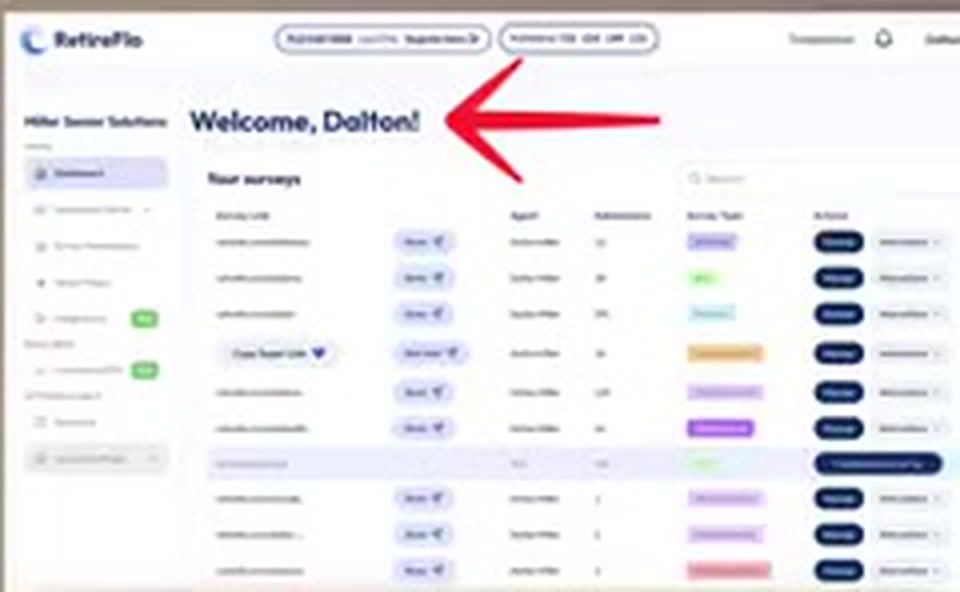
As always, everything starts on retireflo.com. First step: make sure you're logged in. You should arrive at a screen that says “Welcome” and your name.
Open Account Settings → Payment Settings
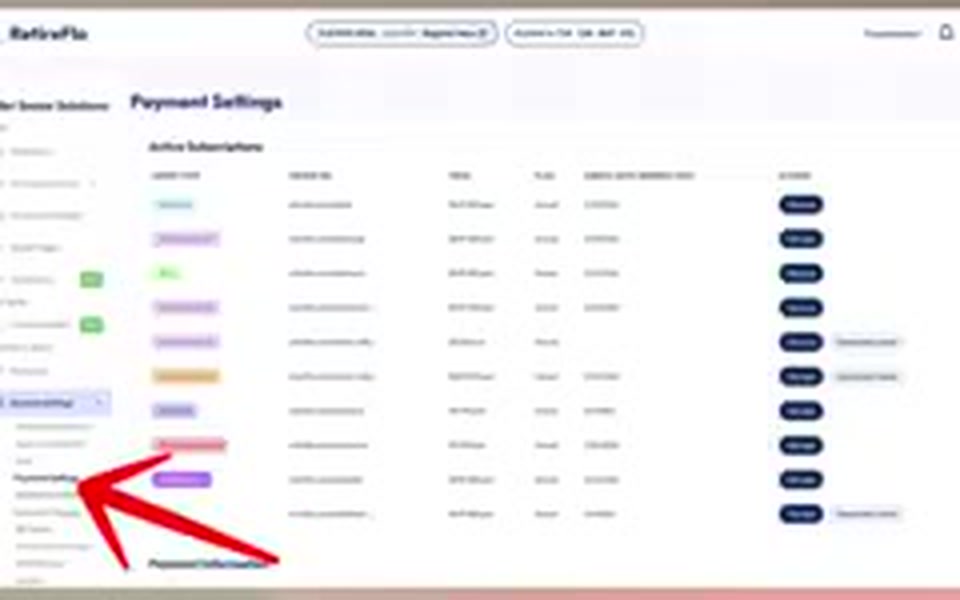
The left sidebar is how you manage your account. At the very bottom it says Account Settings — click it and a little drop-down appears with Payment Settings inside. That's where you're headed.
Review your invoices and subscriptions
Payment Settings gives you a holistic view of every invoice you've ever had with us, where your active subscriptions are, and what services you've signed up for. Need a copy of an invoice to send off for reimbursement? This is where you'll find it.
Billing question? Hit Troubleshoot
Wondering what's coming off your credit card every month? Totally common. At the top of RetireFlo there's a button that says Troubleshoot — it's not on the Payment Settings page, but it's worth knowing it's up there. You'll meet with a real person from the team who can look at things on the back end and get your questions resolved.
To cancel, click Manage next to your subscription
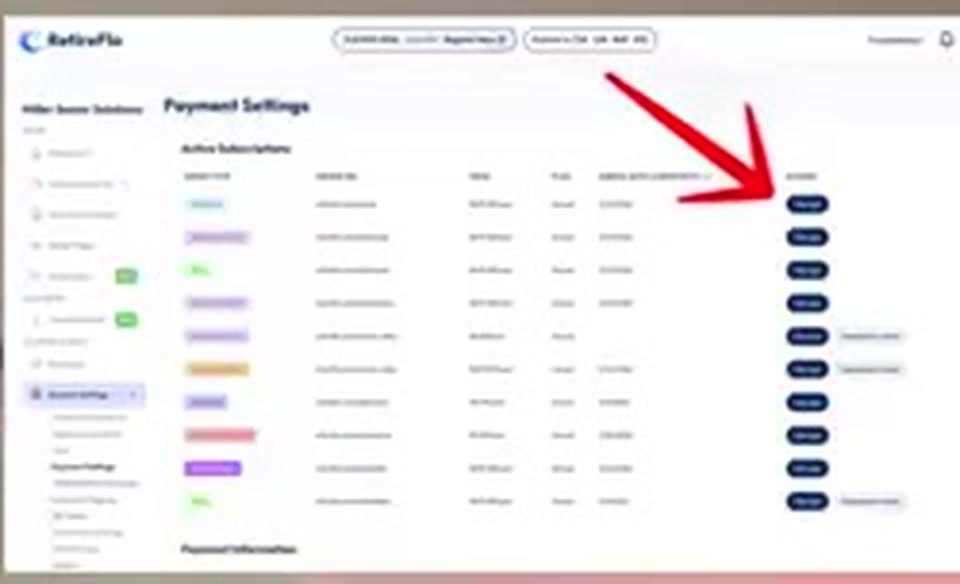
Your subscriptions are listed clearly at the top of Payment Settings. On the right side of the screen, next to the one you want to change, click Manage. That takes you to the page where you manage that RetireFlo subscription.
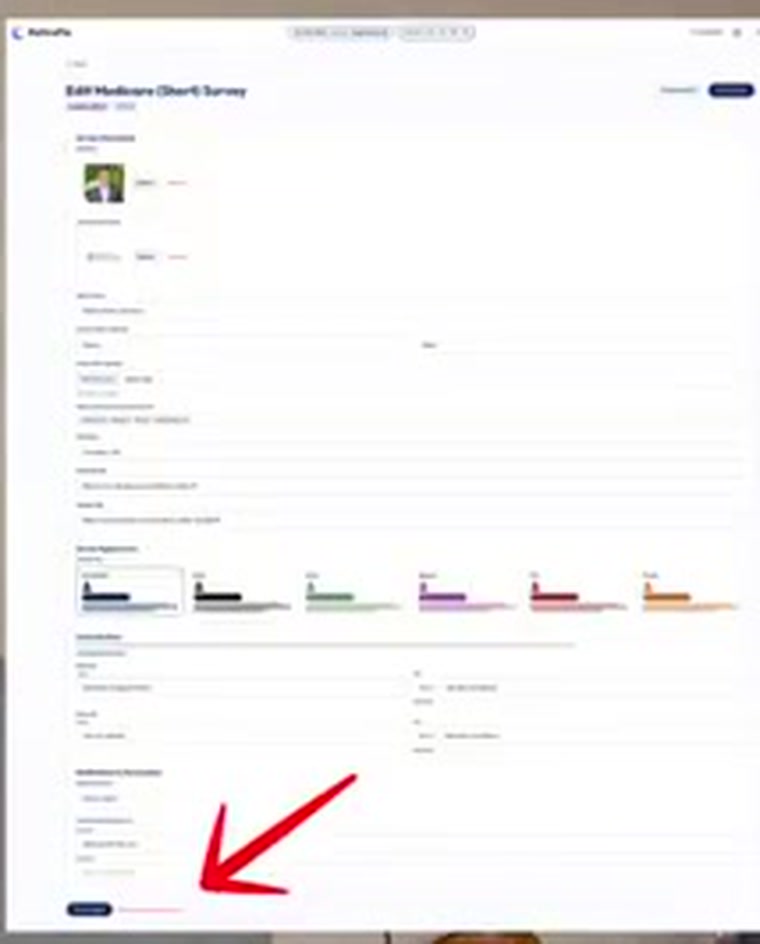
Scroll to the bottom and cancel
Once you've pressed Manage, scroll all the way down to the bottom and press Cancel Autorenew or Cancel Survey Subscription — whichever one populates. If it says Cancel Autorenew, you'll finish out your contract and then the subscription terminates. If it says Cancel Survey Subscription, based on what you signed up for, your subscription cancels immediately.
Good to know
- Contracts vary. Some RetireFlo products have 12-month contracts, some don't — everybody's set up differently based on what fits their business. Check what applies to you before assuming.
- On a 12-month contract? If you want to be sure it doesn't continue past the 12 months, use the same Manage → cancel flow — Cancel Autorenew lets the contract finish and then stops it.
- Switching products instead of cancelling? Maybe you have Medicare and want to move to ACA without adding a second subscription — there are dos and don'ts to that, so book a Troubleshoot session. We meet one-on-one, share screens, and figure out what fits your agency.
Still stuck?
Grab a time with the RetireFlo team and we'll walk through it with you — or ask the community, someone's always online.