 RetireFlo Resources
← All tutorials
RetireFlo Resources
← All tutorials
An Insurance Agent's Guide to QR Codes
Put QR codes to work at events, on business cards, and in mailers — and connect them to your RetireFlo page.
Log in and open your dashboard
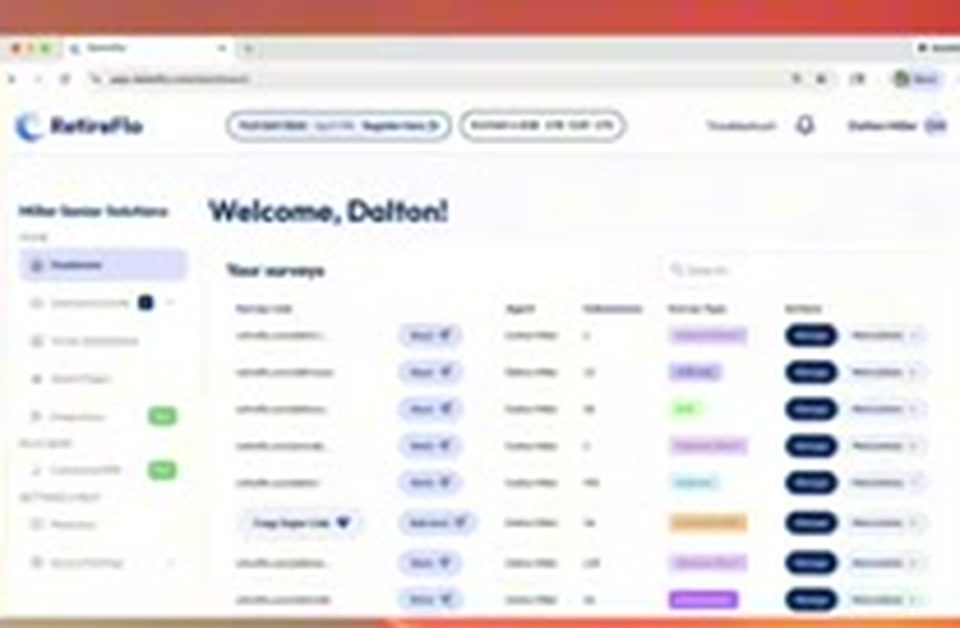
Go to retireflo.com and log in. You'll land on your welcome screen — it says “Welcome” and your name. That's your dashboard, and it's where your QR code lives.
Download your QR code
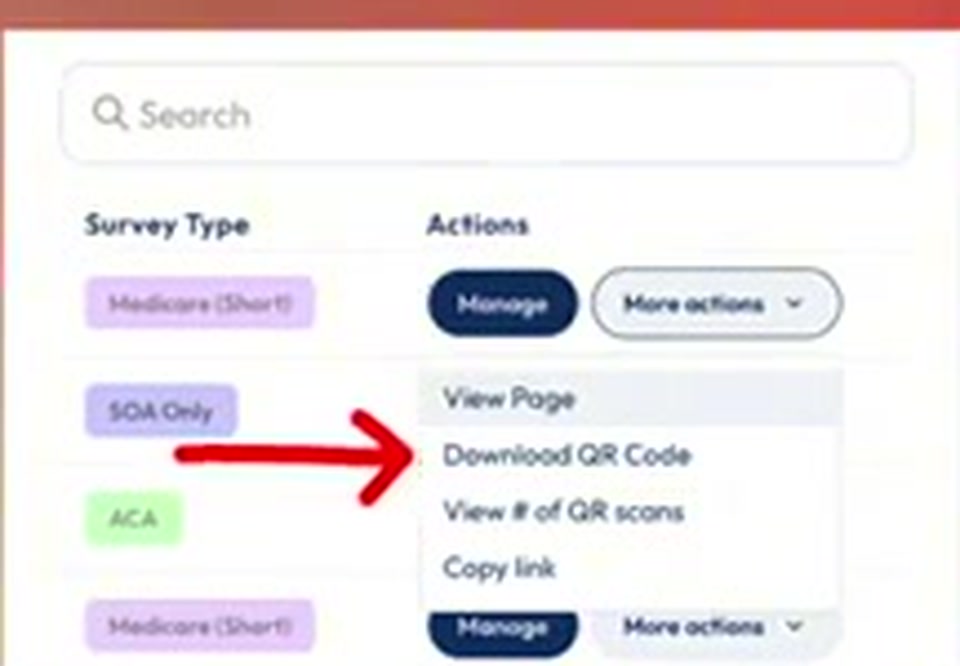
On the right side of the screen, click the More actions button, then Download QR Code. You'll get an image file — a JPEG or PNG — of your QR code that you can drop onto marketing materials compliantly and send folks straight into your RetireFlo survey.
Think of it as a website link in a picture
A QR code is simply a website link written in “camera speak.” When someone scans yours, it pulls up your personal RetireFlo link — the same way a menu pops up at a restaurant. You can't click a piece of paper, but a QR code makes that link come to life on print.

Don't get cute with the colors
You can change your QR code's colors to match your marketing — just keep the contrast strong so a camera can actually scan it. Black background? Make the code white or close to it. White background? Use a darker color. And if your company colors are red and blue, pick one — mixing two bold colors can muddle the code and make it hard to scan.
Design for the phone it opens on
Nobody scans a QR code with a desktop. They're using a smartphone — which means the page it opens will load on that same phone. Make sure whatever your code points to is mobile friendly. RetireFlo, of course, looks great on phones, iPads, Kindles, and any other mobile device.
Never text a QR code
Texting is great for marketing and QR codes are high-tech, but putting them together doesn't work. If a QR code shows up on someone's phone screen, the camera they'd scan it with is on the back of that same phone — it can't loop around and scan its own screen. For texts, send the plain link instead.
Good to know
- Test it first. Before you spend thousands on a print campaign, scan your code yourself. If it doesn't send people to the right link, it doesn't work — better to find out before the postcards go out, not after.
- Connecture users: your superlink can change based on settings Connecture has in place, so always test your RetireFlo QR code before pushing it out to the general public.
- Where QR codes shine: print campaigns, postcards, business cards — anywhere a clickable link is impossible, a QR code bridges paper and technology.
Still stuck?
Grab a time with the RetireFlo team and we'll walk through it with you — or ask the community, someone's always online.