 RetireFlo Resources
← All tutorials
RetireFlo Resources
← All tutorials
How to Sign Up for RetireFlo Integrated with HealthSherpa
This guide takes you from zero to a fully working ACA setup: your RetireFlo account, the ACA survey, the HealthSherpa ACA connection, and the one-click Quote button that turns completed surveys into ready-made quotes.
🔥 EXTENDED — ENDS TONIGHT AT MIDNIGHT, FOR REAL
The promo code is live right now for 40% off your RetireFlo subscription. Enter it — all caps — when you add a promo code in step 2.
Create or sign in to your RetireFlo account
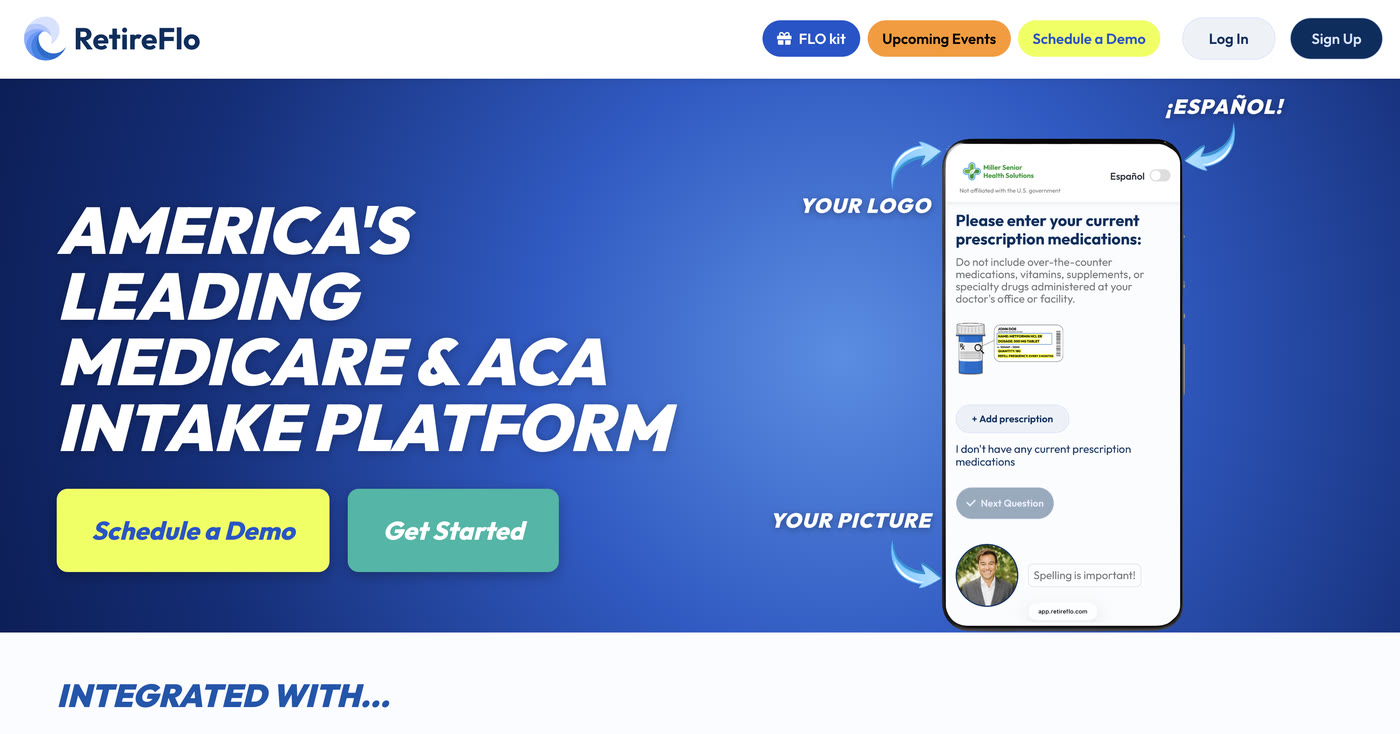
Head to RetireFlo.com and click Get Started (top right) to create your account — or Log In if you already have one.
Add a promo code
Open the Survey Marketplace from the left sidebar. At the top there's a banner with an Add promo code button — that's where discount codes go. You can also add one any time under Account Settings → Payment Settings, in the “Traditional Links Discount Code” box.
Today only, that code is HEALTHSHERPA40 (all caps) — 40% off, from the banner up top. It expires tonight at 11:59 PM ET.

Purchase the ACA survey
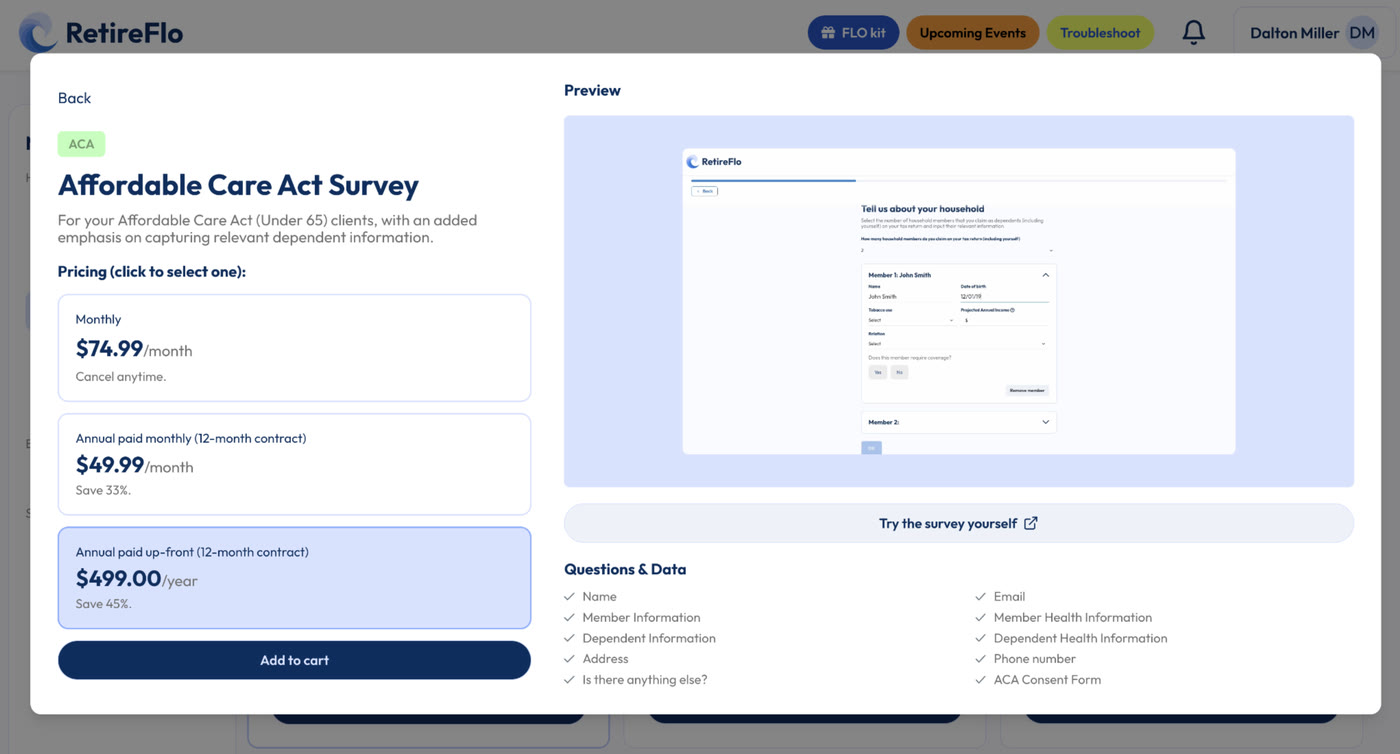
In the Survey Marketplace, select the ACA survey — built for your Affordable Care Act (Under 65) clients, with an added emphasis on capturing dependent information. Choose monthly or annual; it's active immediately.
Connect HealthSherpa ACA
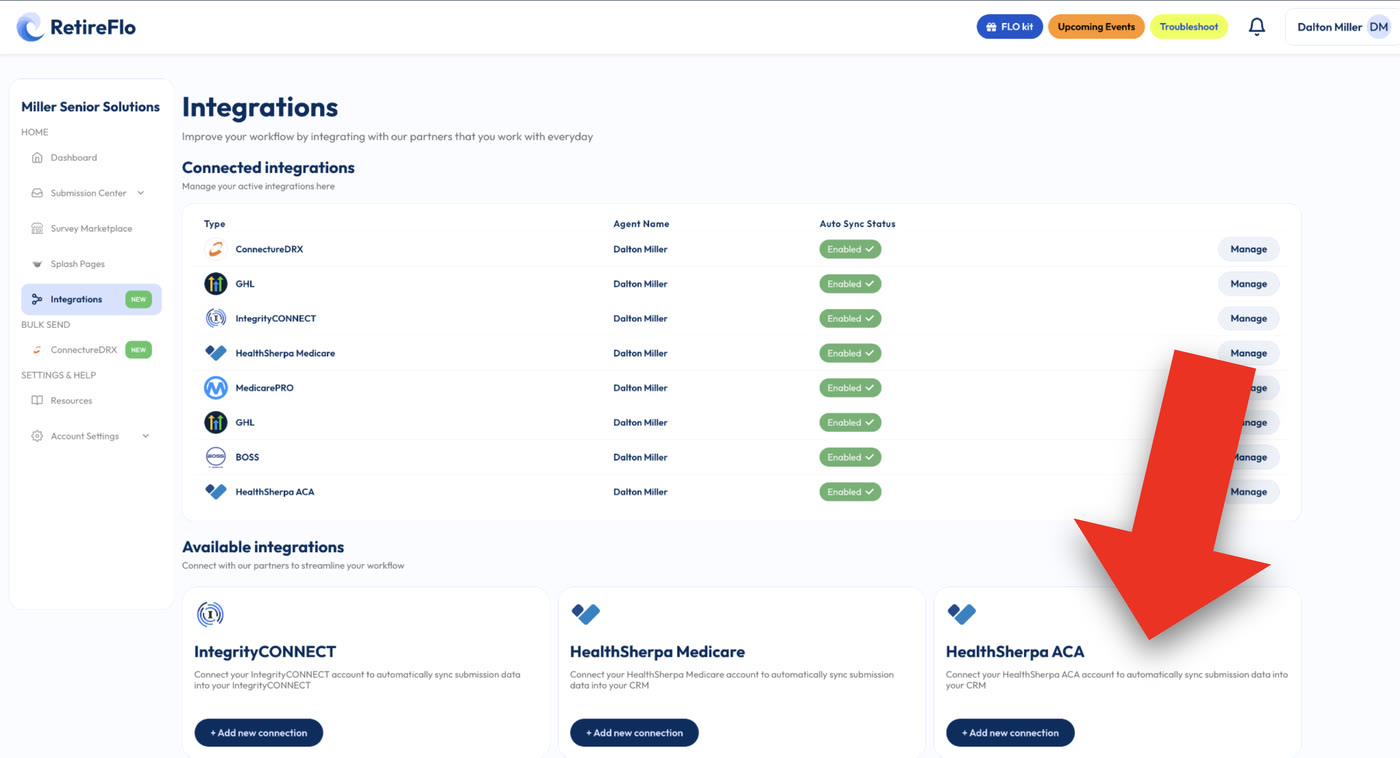
Click Integrations in the left sidebar, find HealthSherpa ACA, click + Add new connection, and enter your HealthSherpa username and password. That's the whole link-up.
Send your survey, then press the Quote button
Once connected, every completed ACA survey shows a one-click Quote button in your Submission Center — press it and HealthSherpa opens a formatted quote with drugs, providers, smoking status, household income, and every dependent already filled in.
Good to know
- Where your data lands in HealthSherpa: transferred submissions appear in the Leads portal, under the Intake tab — not the Clients section.
- What transfers: household & dependent information, drugs, doctors & hospitals, smoking status, and income level.
- The ACA consent form stays on RetireFlo — your client signs their portion in the survey; you sign the agent portion in your dashboard. Stored permanently, kept current with CMS regulations.
- Unlimited sends — one subscription, as many clients and prospects as you like.
- Want the deep dive? Watch the HealthSherpa ACA launch training for the full walkthrough.
Still stuck?
Grab a time with the RetireFlo team and we'll walk through it with you — or ask the community, someone's always online.