 RetireFlo Resources
← All tutorials
RetireFlo Resources
← All tutorials
How to Sign Up for RetireFlo Integrated with AgencyBloc
This guide takes you from zero to a fully working AgencyBloc setup: your RetireFlo account, your survey, the AgencyBloc connection, and your first client flowing straight into your AgencyBloc book — demographics, drugs, pharmacies, and providers already saved. About five minutes, start to finish.
Create or sign in to your RetireFlo account
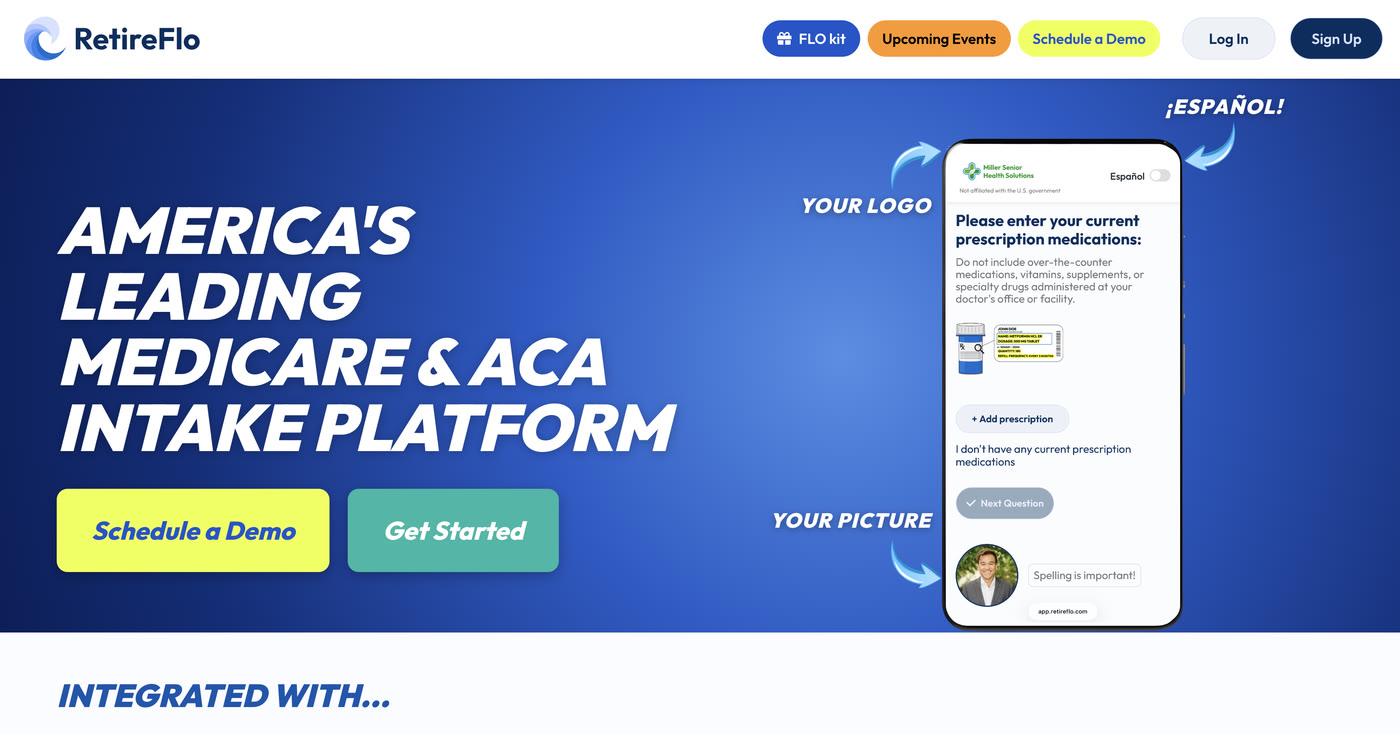
Head to RetireFlo.com and click Get Started (top right) to create your account — or Log In if you already have one.
Already have a survey with us? Skip ahead
If you already have a survey with RetireFlo, you're all set on the survey side. Jump straight to step 4 and connect AgencyBloc.
Add a promo code
Open the Survey Marketplace from the left sidebar. At the top there's a banner with an Add promo code button — that's where discount codes go. You can also add one any time under Account Settings → Payment Settings, in the “Traditional Links Discount Code” box.
A little gift for reading this far: 20% off
Click Add promo code and enter RF20 — all caps — before you purchase. It takes 20% off your RetireFlo subscription.

Purchase your survey
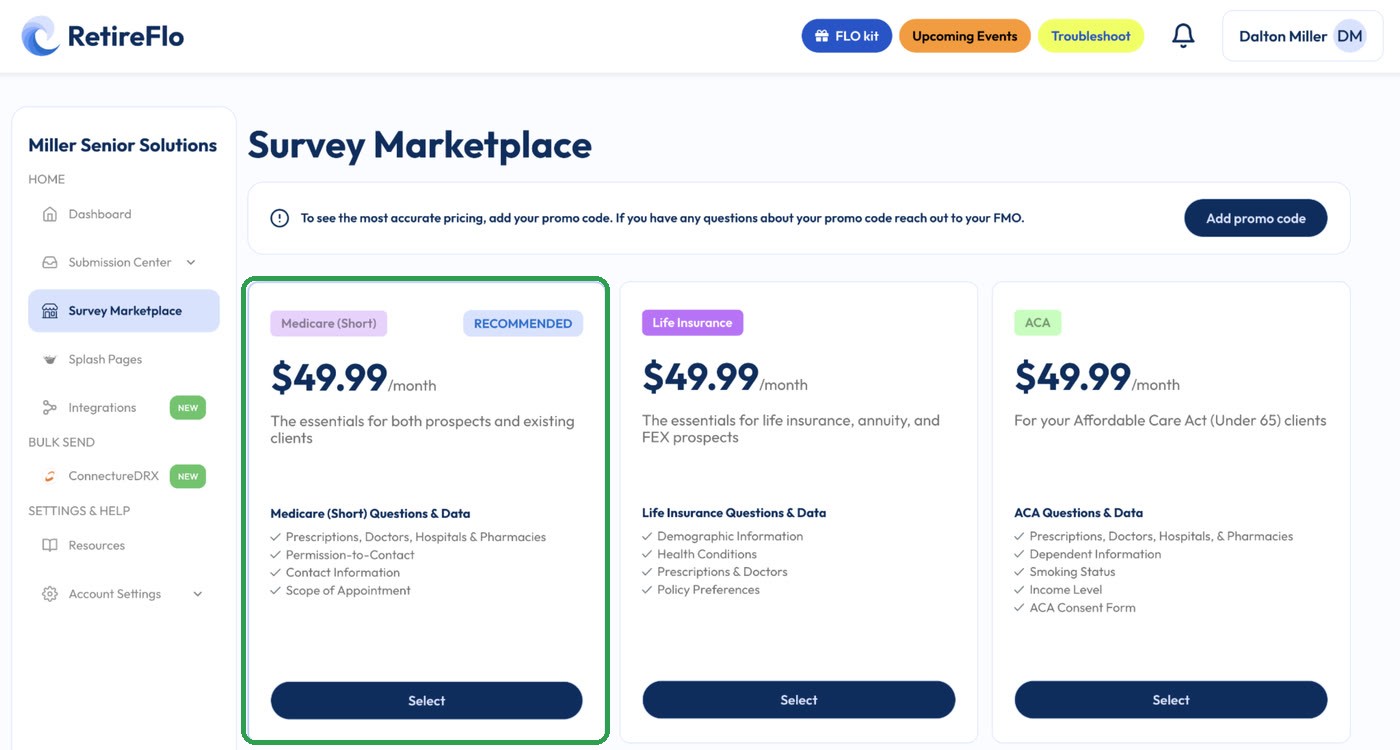
In the Survey Marketplace, pick the survey that matches your business — Medicare (Short) is the go-to for most Medicare agents (prescriptions, doctors, hospitals & pharmacies, permission to contact, contact information, and scope of appointment). Choose monthly or annual; it's active immediately.
Open Integrations and press “Add new connection” on AgencyBloc
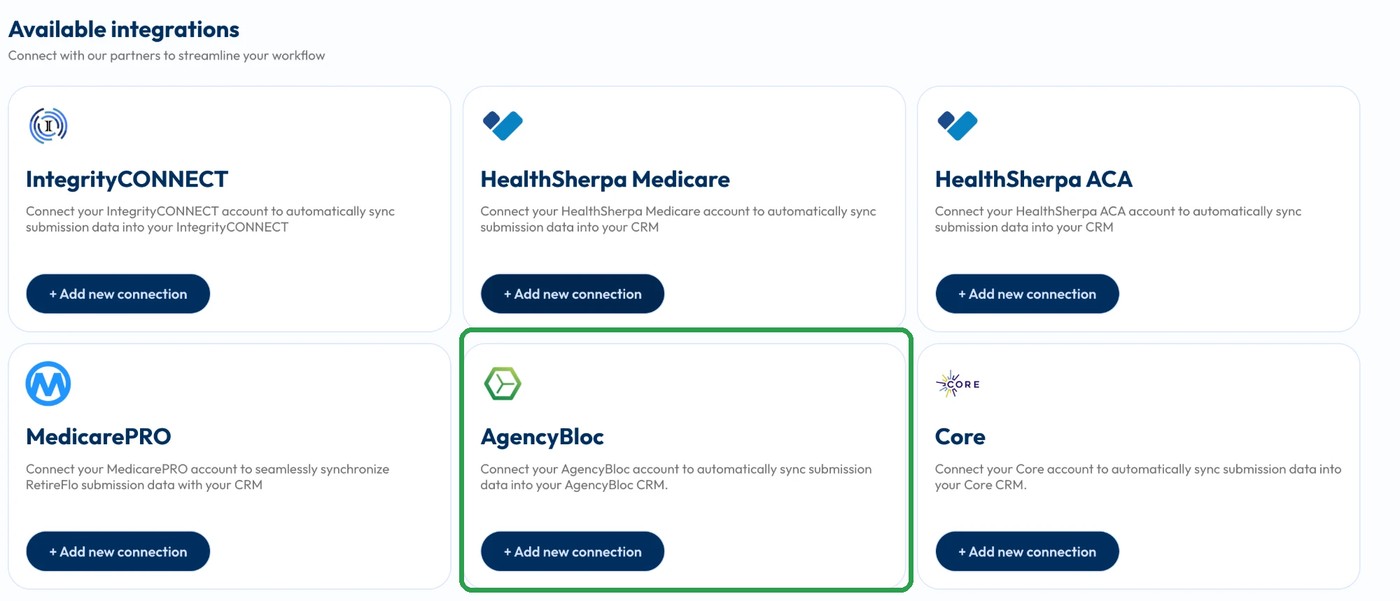
Click Integrations in the left sidebar and scroll to Available integrations. Find AgencyBloc and press + Add new connection.
Press “Connect to AgencyBloc” and log in
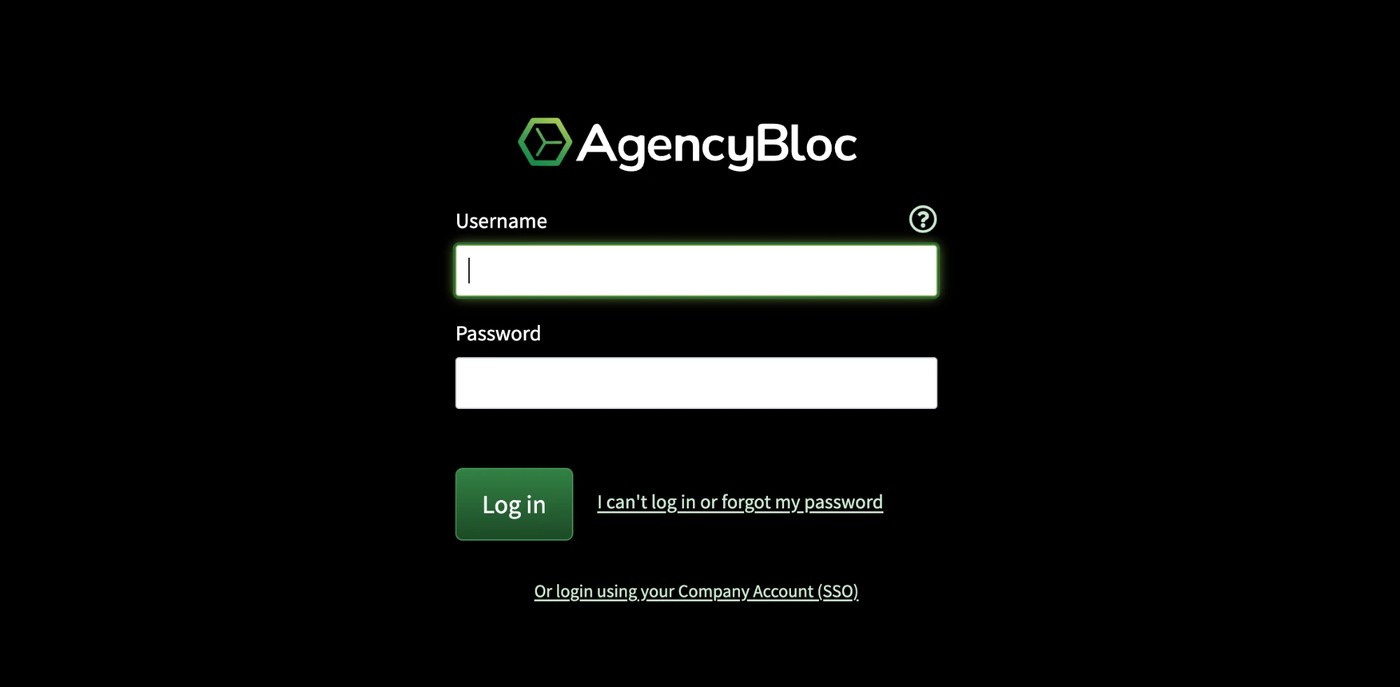
On the Add New AgencyBloc Integration screen, click Connect to AgencyBloc. You'll hop over to the AgencyBloc side of the house — log in with your AgencyBloc credentials (or through your Company Account SSO), and you'll be sent right back to RetireFlo with the connection made. Literally that easy.
Connect your surveys
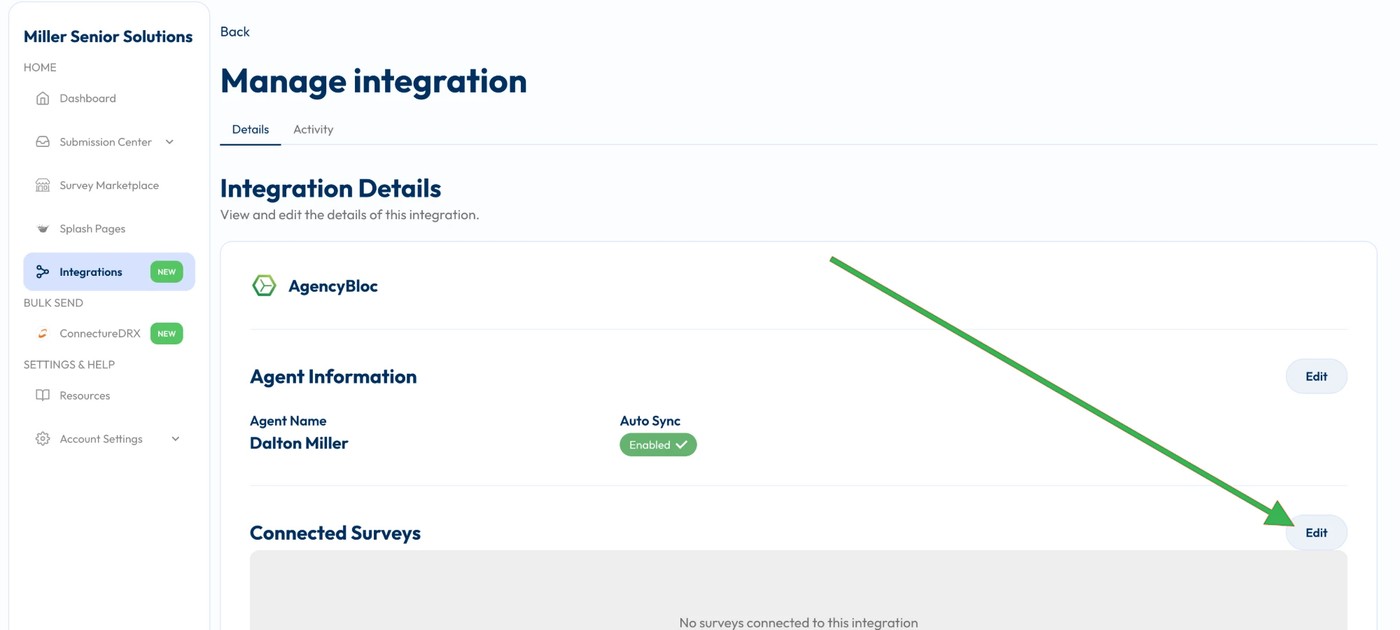
You'll land on the Manage integration screen — your agent info is filled in and Auto Sync shows a green Enabled check. One last thing: under Connected Surveys, press Edit and choose which surveys you'd like to sync. Maybe one agent in your agency runs AgencyBloc and another doesn't — you get the flexibility to pick exactly which surveys flow in. Save it, and you're ready to rock.
Turn on the integration inside AgencyBloc
One last switch to flip — this time on the AgencyBloc side. In AgencyBloc, go to Settings → Third Party Integrations → RetireFlo (it could be on page 1 or 2 of your list) and click Add. Once you see “Active” in the Status column next to RetireFlo, your submissions will flow through.
You did it! You're synced with AgencyBloc
From here it's automatic: when someone completes your RetireFlo survey, they show up in your AgencyBloc with everything you could ever need — name, date of birth, phone, email, address — plus their drugs, pharmacy, and providers, all filed where they belong.

Good to know
- Run as many integrations as you like: AgencyBloc doesn't have to fly solo — you can simultaneously integrate with IntegrityCONNECT, ConnectureDRX, HealthSherpa for Medicare, even other CRMs. One survey, every system fed at once.
- Data flows one way. RetireFlo sends data into AgencyBloc — it doesn't go backwards.
- The Scope of Appointment stays in RetireFlo — it does not transfer to AgencyBloc. Sign it and download it any time from your Submission Center.
- Returning shoppers: send a fresh link next season — for AgencyBloc we match on first name + birthday and update the existing profile instead of creating a duplicate.
- Unlimited sends — one subscription, as many clients and prospects as you like.
Still stuck?
Grab a time with the RetireFlo team and we'll walk through it with you — or ask the community, someone's always online.