 RetireFlo Resources
← All tutorials
RetireFlo Resources
← All tutorials
How to Buy the Solo ACA Consent Form Survey
Writing ACA business and just need the consent on file? The ACA Consent Form survey collects exactly one thing: the CMS-required ACA consent, signed by your client from a single link. Here's how to add it to your account in a few minutes.
Create or sign in to your RetireFlo account
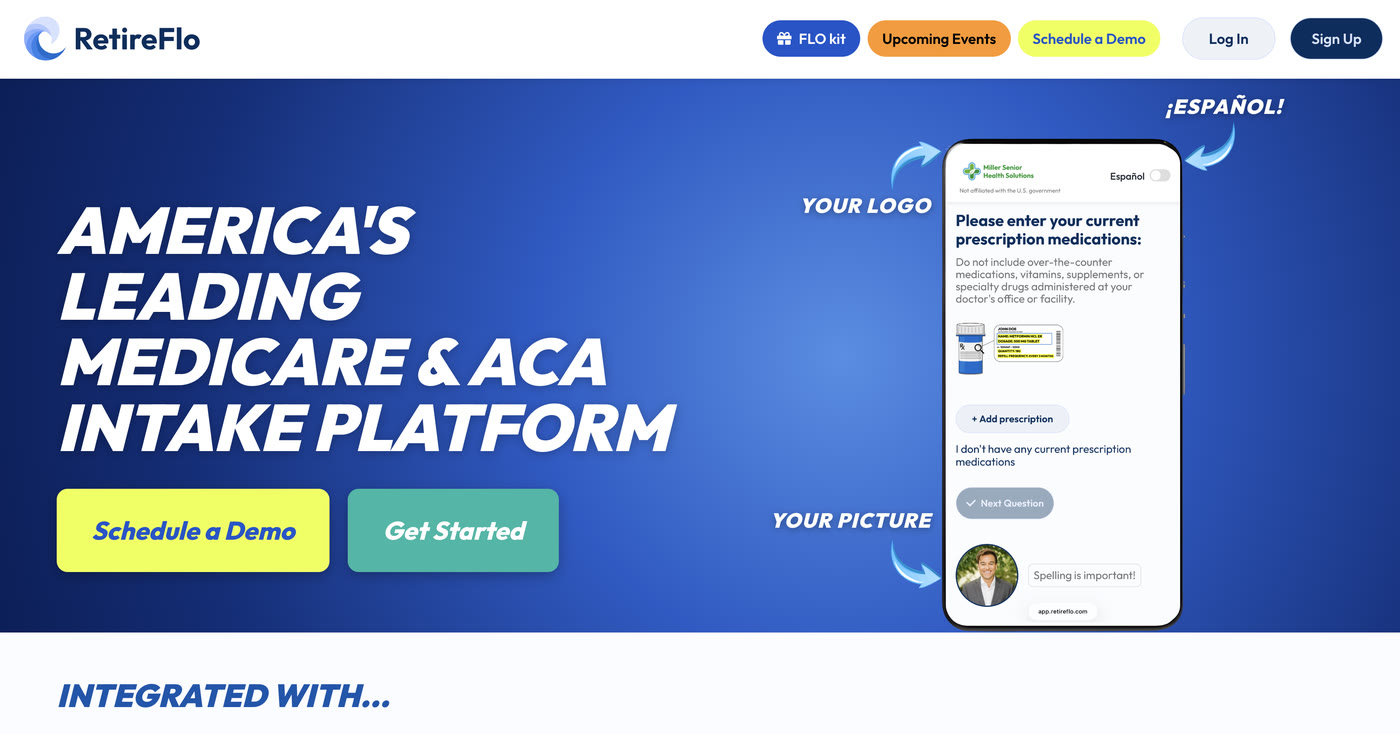
Head to RetireFlo.com and click Get Started (top right) to create your account — or Log In if you already have one. Already a RetireFlo user? Just log in and jump to step 3.
Add a promo code
Open the Survey Marketplace from the left sidebar. At the top there's a banner with an Add promo code button — that's where discount codes go. You can also add one any time under Account Settings → Payment Settings, in the “Traditional Links Discount Code” box.
A little gift for reading this far: 20% off
Click Add promo code and enter RF20 — all caps — before you purchase. It takes 20% off your RetireFlo subscription.

Select the ACA Consent Form survey
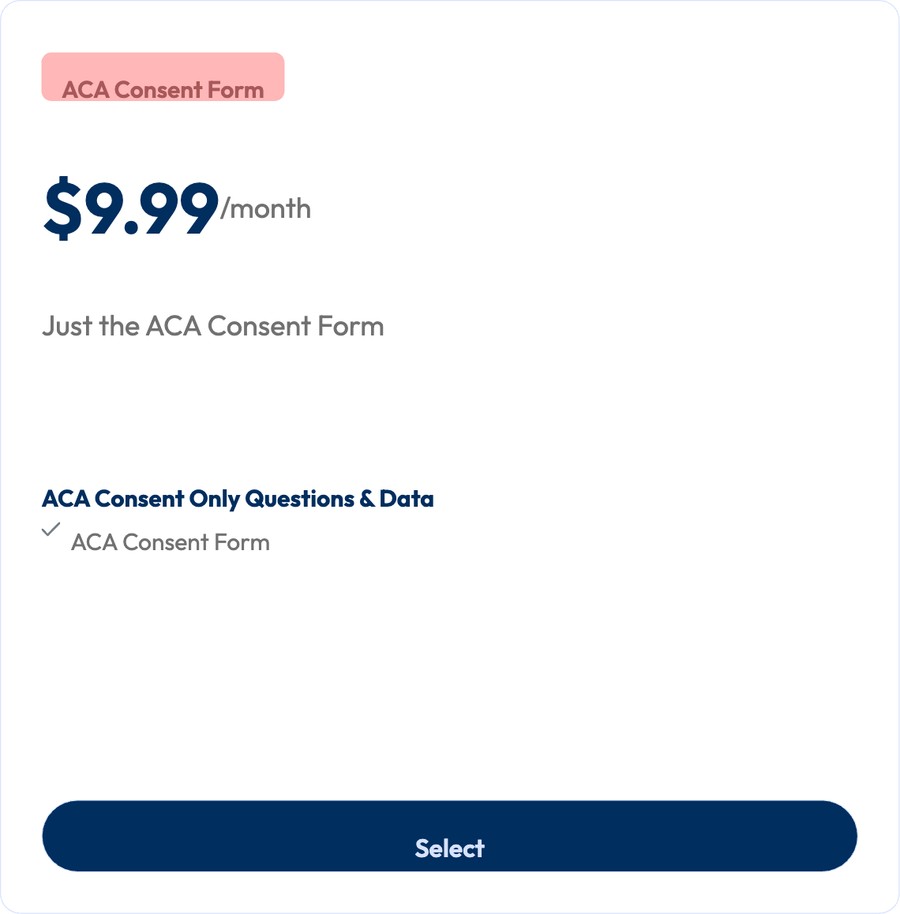
In the Survey Marketplace, scroll past the main surveys to find the ACA Consent Form card — just the consent form, nothing else. Press Select, choose monthly or annual billing, and check out. Your link is active immediately.
Make it yours, then send it out
Press Manage next to your new survey to add your logo, headshot, and colors, then copy your link from the dashboard and send it anywhere your clients are — text or email both work. When it comes back, sign the agent portion from your dashboard and you're set.
Good to know
- What it collects: the ACA Consent Form — that's it.
- Both signatures live on RetireFlo: your client signs their portion in the survey; you sign the agent portion in your dashboard. Stored permanently, kept current with CMS regulations.
- A fresh consent every year keeps you compliant season to season — send a new link each year.
- Want the consent and a full ACA intake? The ACA survey includes the consent form plus household & dependents, drugs, doctors, smoking status, and income — and it powers the one-click HealthSherpa Quote button.
- Unlimited sends — one subscription, as many clients and prospects as you like.
Still stuck?
Grab a time with the RetireFlo team and we'll walk through it with you — or ask the community, someone's always online.