 RetireFlo Resources
← All tutorials
RetireFlo Resources
← All tutorials
How to Buy the RetireFlo Life Insurance Survey
Writing life, annuity, or final expense business? The Life Insurance survey collects the essentials from your prospects in one link — demographic information, health conditions, prescriptions & doctors, and policy preferences — so you walk into every conversation already prepared. Here's how to add it to your account in a few minutes.
Create or sign in to your RetireFlo account
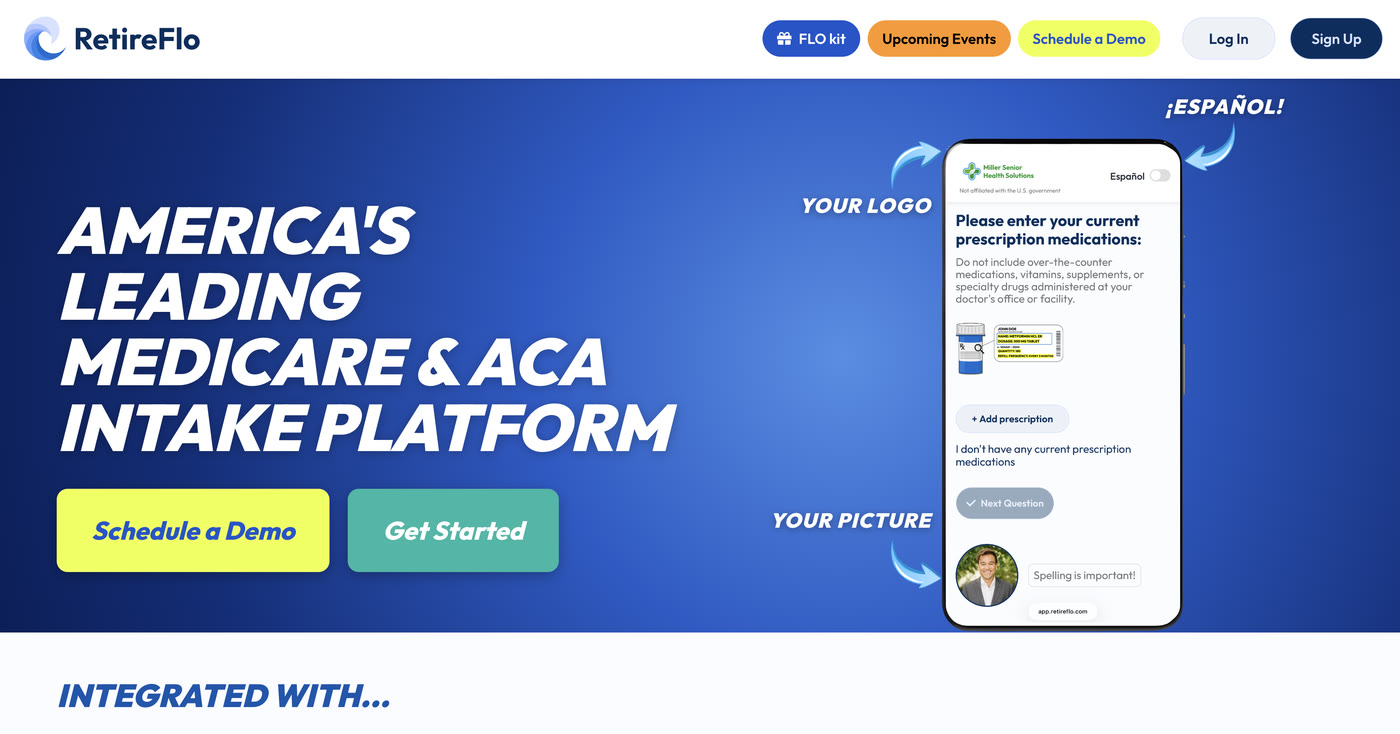
Head to RetireFlo.com and click Get Started (top right) to create your account — or Log In if you already have one. Already running our Medicare or ACA survey? The Life Insurance survey lives in the same dashboard — just log in and go to step 3.
Add a promo code
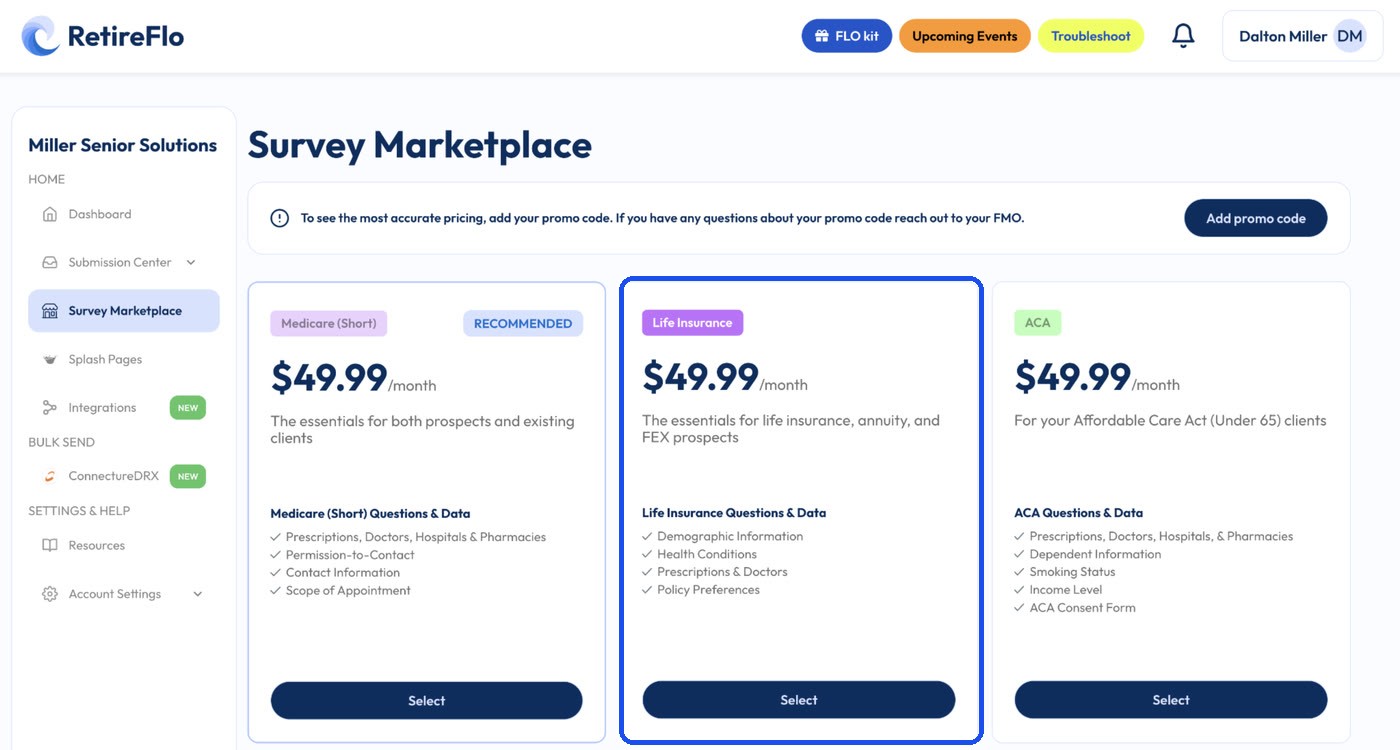
Open the Survey Marketplace from the left sidebar. At the top there's a banner with an Add promo code button — that's where discount codes go. You can also add one any time under Account Settings → Payment Settings, in the “Traditional Links Discount Code” box.
A little gift for reading this far: 20% off
Click Add promo code and enter RF20 — all caps — before you purchase. It takes 20% off your RetireFlo subscription.

Select the Life Insurance survey
In the Survey Marketplace, pick the Life Insurance survey — built for life insurance, annuity, and FEX prospects, it collects demographic information, health conditions, prescriptions & doctors, and policy preferences. Press Select, choose monthly or annual billing, and check out. Your survey is active immediately.
Make it yours, then send it out
Press Manage next to your new survey to add your logo, headshot, and colors — the survey should look like you, not us. Then copy your link from the dashboard and share it anywhere your prospects are: text, email, your website, social media. (The How to Send RetireFlo guide has every trick, including QR codes.)
Good to know
- Built for the whole shelf: life insurance, annuities, and final expense (FEX) — one survey covers all three conversations.
- What it collects: demographic information, health conditions, prescriptions & doctors, and policy preferences.
- Unlimited sends — one subscription, as many prospects as you like.
- Plays well with your other surveys: Life Insurance, Medicare, and ACA submissions all land in the same Submission Center, one dashboard for your whole book.
- Your CRM can have the data too — every submission can be exported to any CRM.
Still stuck?
Grab a time with the RetireFlo team and we'll walk through it with you — or ask the community, someone's always online.